Verify Supplier Data
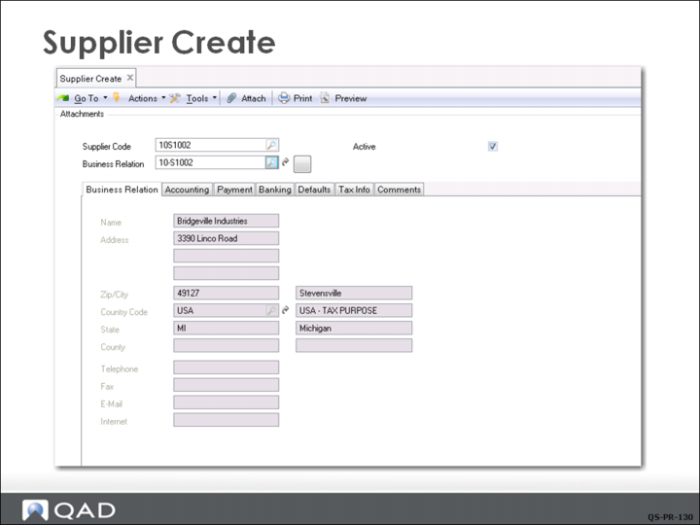
The Finance Department uses the Supplier Activities (28.20.1) to create, view, modify, or delete a supplier. Account details cannot be modified if transactions already exist. A record can only be deleted if it is not referred to in the system, but it can be marked inactive.
Suppliers can be saved in draft format when Draft instances is selected in System/User Settings, Change System Setting. When a record is saved in draft format, none of the system validations are executed. You can then return later to complete the record by choosing the Supplier Browse Drafts activity and selecting the record you want to finish from the list. See User Guide: Introduction to QAD Enterprise Applications for details on drafts.
After creating a supplier here, specify additional operational data in Supplier Data Maintenance (2.3.1). An e-mail is automatically sent to the members of the SupplierNotify role responsible for creating this data when a new supplier is created.