Review Work Order Status
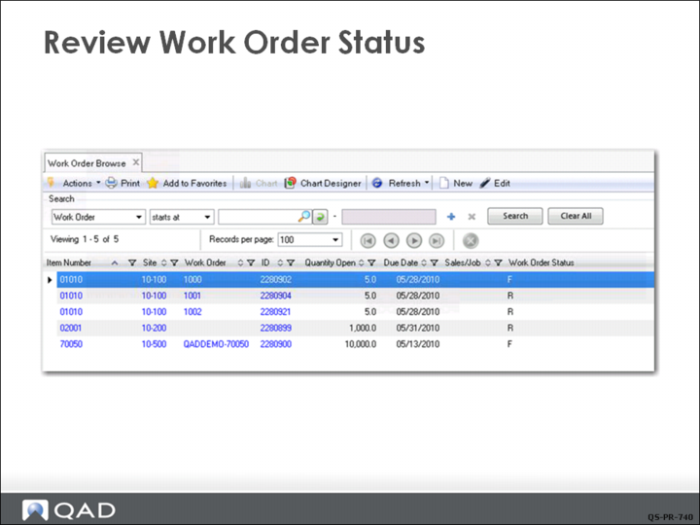
The Work Order Browse (16.2) now shows that the status of work order 1001 has indeed changed from F (firm planned) to R (released).
In the process of releasing the order, the work order bill of material was exploded and allocated. This background processing changed its status from Firm to Exploded to Allocated to Released in what was for the user just one step.
In Work Order Control, the Move First Operation field was selected, so in addition to the order status being set to Released, the operation status for the first operation has been changed to status Queue.