Non-Standard Component Issue
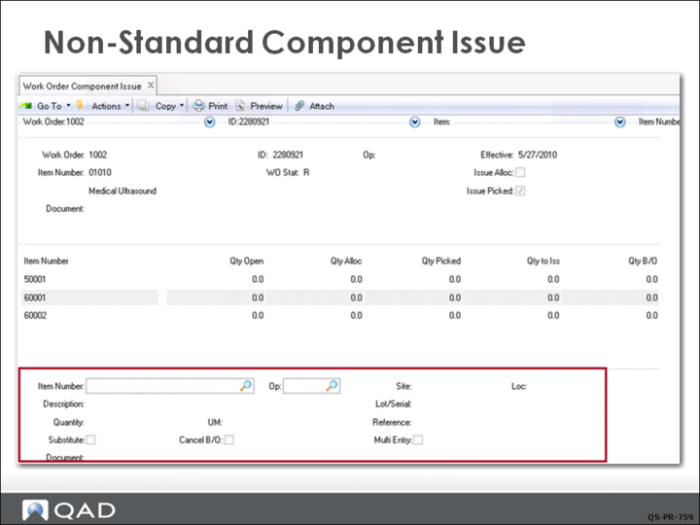
When you need to issue a non-standard item, you use the lower frame of the issue screen to manually enter the correct data. Examples of when this is used include issuing an approved substitute item in place of the standard item or issuing material from a different location. Another common situation occurs when you need to issue material from two or more locations to get the full quantity of the item.
Once the data in the lower frame is filled in and you click Next, the transaction proceeds as normal.