Receive and Close Work Order
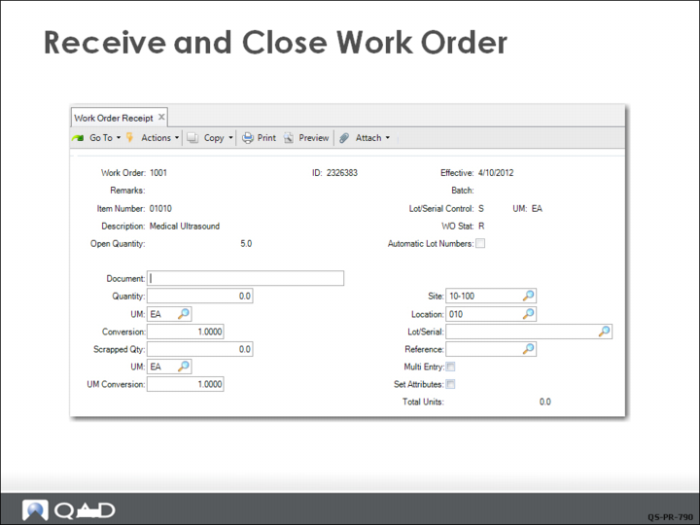
Using Work Order Receipt (16.11), QMI receives the 5 medical ultrasound units into its finished goods location (010) and closes the order.
A dialog box prompts if the information is correct. This brings up a screen that displays the inventory transaction that is about to occur. Another pop-up window displays the transaction about to be processed and asks for confirmation that all is correct. Clicking Yes completes the work order close and the inventory update.
This increases (debits) the Inventory account and decreases (credits) the WIP account for the total standard GL cost.
Additional Notes
Work Order Accounting Close is an additional step in the work order life cycle that is usually taken at the end of each GL calendar period as part of the period-end closing process.