Shipment
After the items listed on the sales order picklist have been picked, they are packed and shipping paperwork is prepared. Following actual shipment, the shipping transaction can be processed.
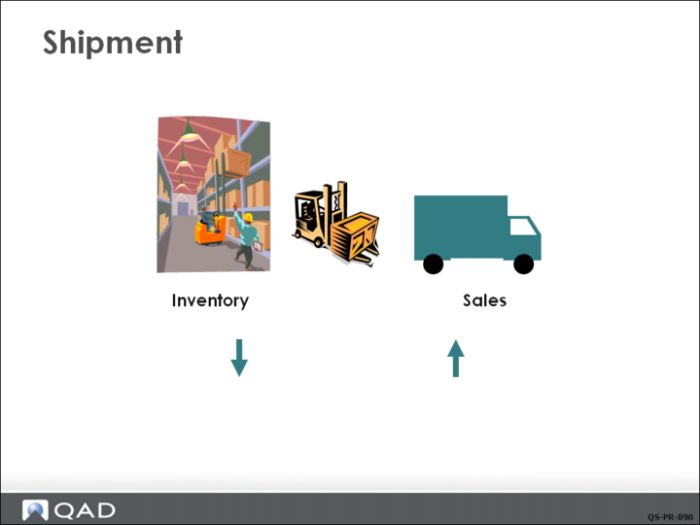
Processing the transaction physically decreases the quantity on hand for each of the items that was shipped and generates a GL transaction to decrease (credit) Inventory and increase (debit) Cost of Sales accounts.
Shipping a sales order automatically marks it as ready for invoicing. Typically, an invoice document is generated for each shipment. You ship the items and post it to Accounts Receivable. Posting generates the printed documents to be sent to the customer. However, you can combine multiple shipments and sales orders on one invoice.