Review Customer Record
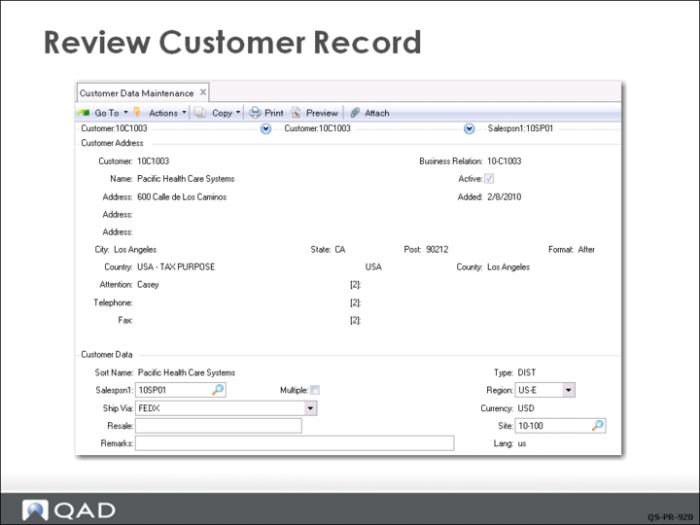
Before QMI’s Customer Service Representative (CSR) can enter a sales order, a customer record must exist in the system. The Finance Department has already set up the basic customer data as it relates to accounting. Now the CSR review the data in Customer Data Maintenance (2.1.1) and adds sales or service specific information such as contact names and phone numbers and region or type codes if needed. The CSR can also specify default sales persons and the site code from which QMI normally ship to this customer.
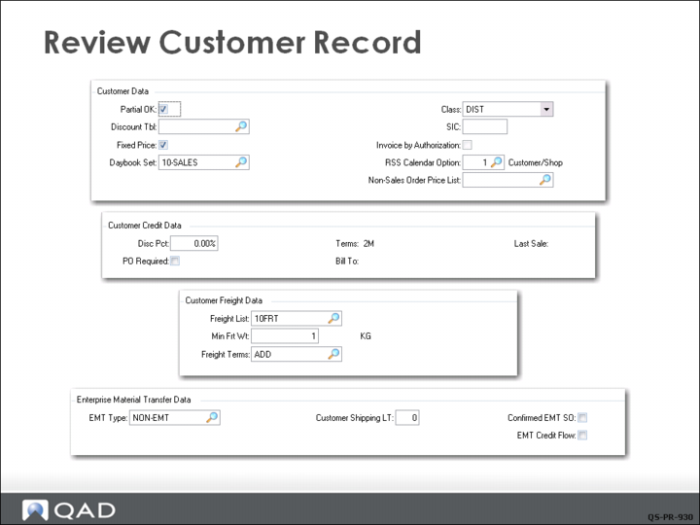
Several additional frames exist in Customer Data Maintenance that let you set defaults for sales order processing. For example, you can indicate that this customer accepts partial shipments and whether fixed pricing is to be used. Since these are default settings, each sales order can be changed as required.
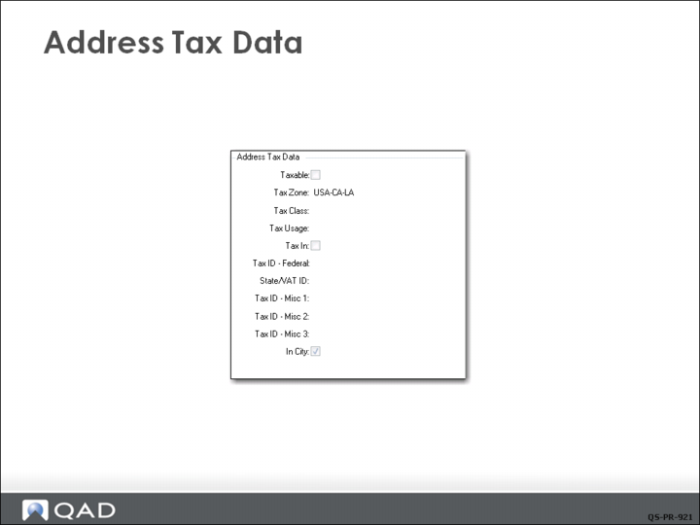
Address Tax Data
When you click Next, a tax information window pops up. Tax data is set up by Finance and rarely changed during sales order processing.
Customer Credit Data
QMI Finance has entered customer credit data for Pacific Health Care Systems with terms of 2M (payment is due in two months). You can also see that the bill-to address code is the same as the customer sold-to address code.
If QMI used predefined freight rate tables and freight lists and or freight terms, they would enter the data in this frame for this customer. Freight lists are covered in detail in the training guide on sales order management.
The last frame in Customer Data Maintenance is for setting up Enterprise Material Transfer (EMT), also called back-to-back orders. This functionality is also covered in detail in its own training course.