Ship Sales Order
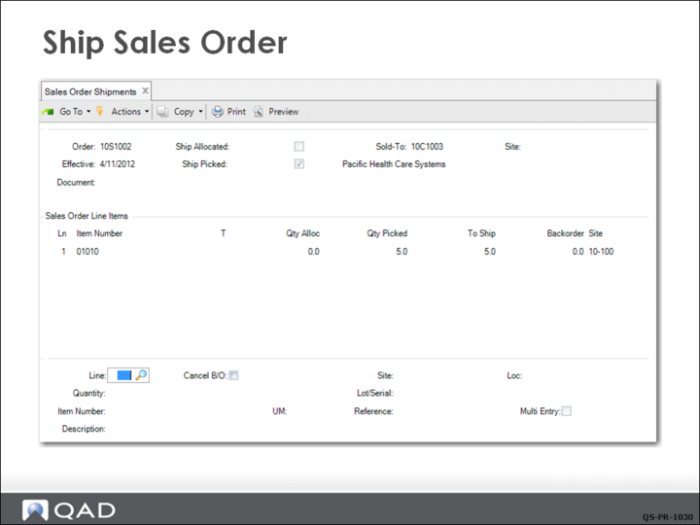
To record the shipment of the order, approve the order for invoicing, and reduce the quantity on hand for the 5 medical ultrasound units shipped, the CSR uses Sales Order Shipments (7.9.15). Because QMI is using a picklist instead of detail allocations for this order, the CSR accepts the default for Ship Picked (Yes).
The middle frame (Sales Order Line Items) shows the open lines on this sales order ready for shipment. This order has one line for a quantity of 5. If necessary, modifications can be made to this line in the bottom frame. For example, if the location has changed, the new location can be entered here.
All items are picked and ready to ship in this example. Clicking Next displays a prompt asking if you want to see the inventory transaction. Click Yes and the system displays the complete inventory transaction.