Review MRP Control
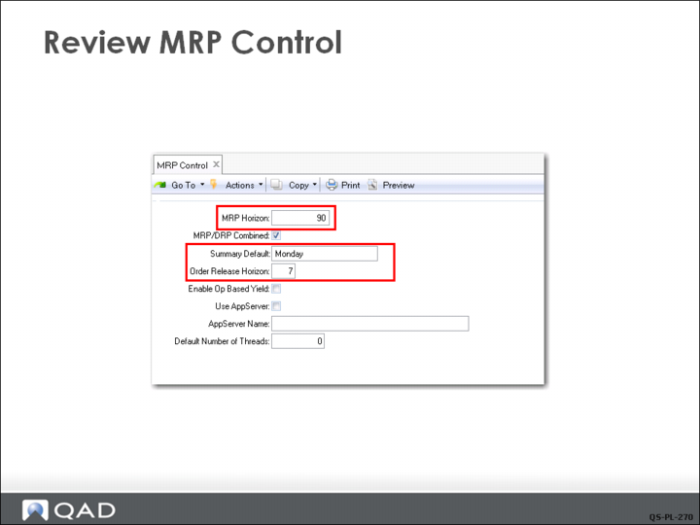
MRP Control (23.24) has important settings that affect MRP processing.
MRP Horizon
This is the number of days into the future MRP will plan and should be at least one day longer than the longest cumulative lead time in your system. For purposes of this course, 90 days is more than enough. In general, a planner would want to err on the side of planning too far into the future rather than not far enough.
Summary Default
Determines on which day of the week MRP and MPS summary inquires begin displaying data. This can be set to any day of the week, or Today. Typically, companies want the columns to be consistent and always display a week beginning with their normal start day. Setting the field to Today changes the start day of the display every day.
Order Release Horizon
Indicates the number of days into the future the system should look to find an order release date. This is very important for MRP action messages. For example, when set to 7, the system marks all planned orders due to be released in the next 7 days as due for release. If you have many planned orders and review them daily, you may want this set to one or two days. For purposes of this course, 7 days will work fine.