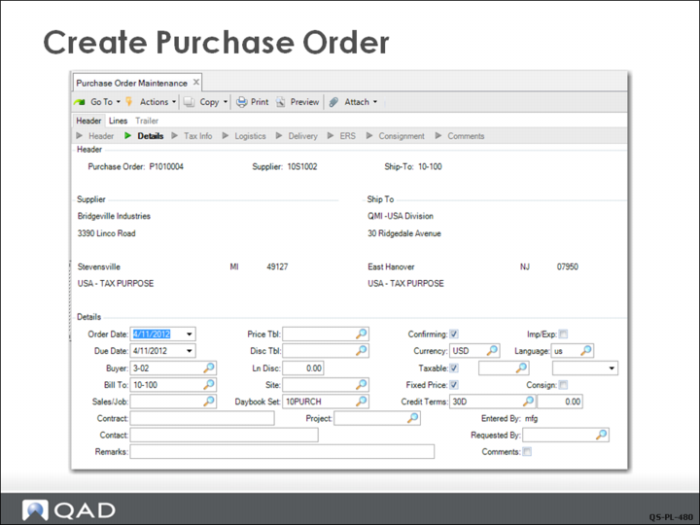
Create Purchase Order
The QMI buyer will now create a purchase order to buy the required components based on the requisitions created from the MRP planned orders.
The purchase order is created in Purchase Order Maintenance (5.7) using the same basic procedure that was shown in the chapter on Purchasing. However, in this case, the line items will be created from requisitions rather than entered manually, which requires a few adjustments to the process.
When creating a PO from requisitions, leave the Due Date field on the PO header blank. This ensures that the line item due dates default from the requisition due date, not the PO header due date. This means each line item can have a different due date, based on the requisition need date.