Receive Purchase Order
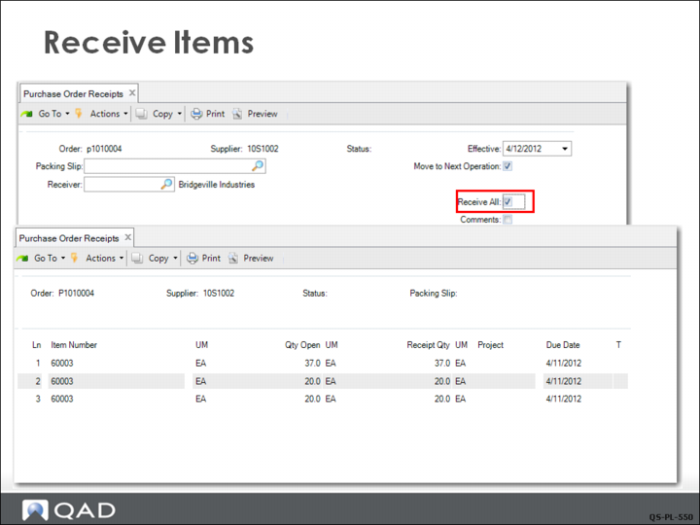
In Purchase Order Receipts (5.13.1), the receiving clerk checks Receive All since the purchase order has been shipped complete. This sets up the receipt for simplified processing. If the vendor has provided a packing slip with a reference number, the number can be entered.
Next displays a screen with all the receiving data pre-filled. Click Next to proceed and click Yes when prompted to display the details about the receiving transactions about to be completed, including the default inventory location where the system expects the material to be placed. If all is correct click Next.
You can use Inventory Detail by Item Browse (3.2) to review the current inventory balances of the component items after the receipt.