Review Work Order
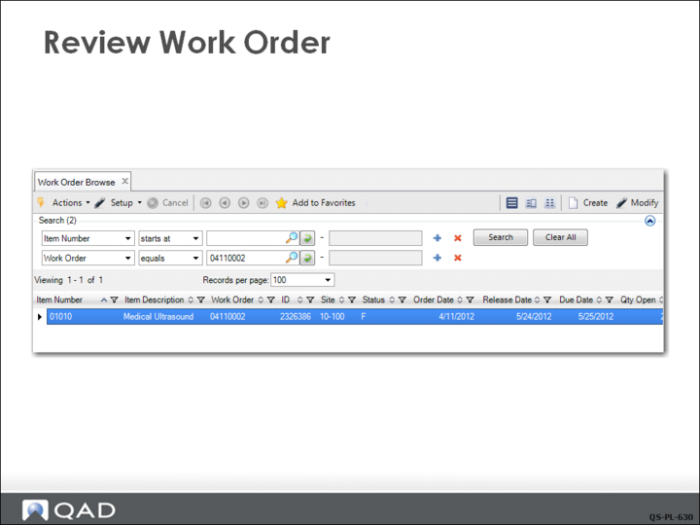
In this example, the planner uses Work Order Browse (16.2) to review work orders for item 01010 at site 10-100.
Since there are many orders, the planner adds another search criteria to the browse and searches for the specific order he just approved (04110002), which now has a status code of F (firm planned). This means that it is no longer under MRP control.
Note the different numbering scheme for MRP planned orders compared to the manually created order created earlier. The manually created order has a sequential number assigned from the counter in Work Order Control. The MRP orders have a date-coded sequential number.