Adding End User Records
End users can be created in two ways:
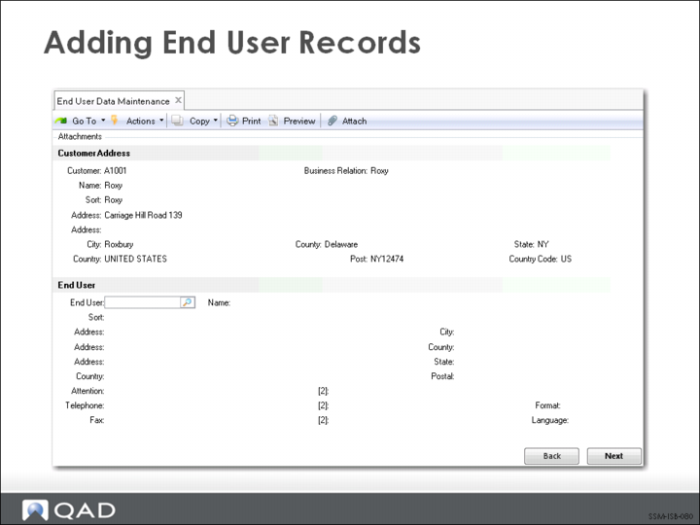
1 Directly in the Customer Setup Menu, using the End User Create program. This method is best when adding a batch of new end users to the system, such as when processing product registration cards. When an end user is created directly, you have the opportunity to then specify detailed service information in End User Data Maintenance (11.9.1).
2 End users can also be created indirectly through the interface between service and the Sales Order module, and from other key service functions like Call Maintenance, Call Quote Maintenance, RMA Maintenance, and Contract Maintenance. In this case, only the minimum amount of data is specified. However, additional data can be added at a later date by accessing the End User Data Maintenance function.