Using ISB Classification Codes
To facilitate finding items in the installed base, you can define an item classification system. To do this, follow these steps:
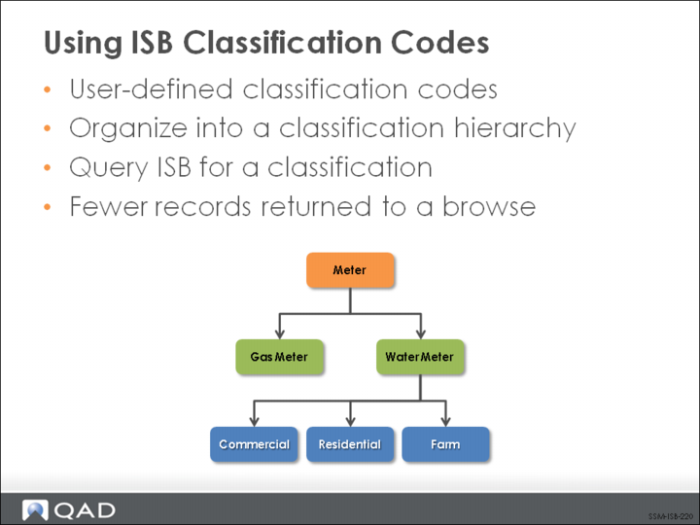
1 Create classification codes that are meaningful to your own business needs using Classification Maintenance (11.3.18). Order classifications in a hierarchical structure by linking child classifications to parent classifications.
2 Enable ISB filtering for the entire system in Service Management Control (11.24) and then tailor the system setting for individual users in Service/Support User Preferences (11.21.23).
3 Associate a default classification code with the items you typically track in the installed base using Service Item Maintenance (11.3.7).
4 Update any existing installed base records with the correct classification code using Installed Base Item Maintenance (11.3.1).
After this setup is complete, you can choose a classification code from any level of the hierarchy before using ISB lookups in programs throughout the SSM module. The system finds and displays only the records that have the specified classification or any classification linked below it in a hierarchy.