Service Category Setup
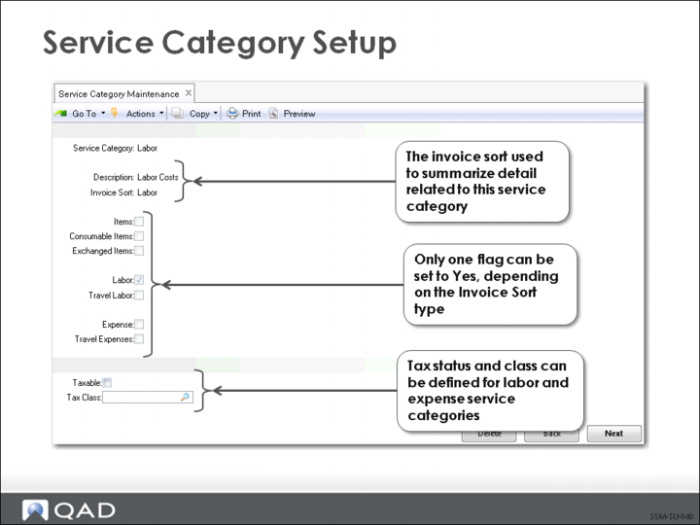
Service categories are created and maintained in Service Category Maintenance (11.21.9).
After specifying the code name and description, you must relate the category to an invoice sort. Only one of the remaining fields can be set to Yes, depending on the invoice sort specified. Items, Consumable Items, and Exchanged Items can be grouped under an item (type I) invoice sort. Labor and Travel Labor can be grouped under a labor (type L) invoice sort, and Expense and Travel Expense can be grouped under an expense (type E) invoice sort.
Like invoice sorts, service categories have several uses within the Service and Support module:
• Defining limits
• Defining price lists
• Providing defaults in Call Activity Recording
• A search key for product lines
A default taxable status and tax code can be assigned to labor and expense service categories in Service Category Maintenance and is used as the default for labor/expense usage records for taxable call lines in Call Invoice Recording. Item service categories are not defined in this way because this information is associated with items in Item Master Maintenance and provides defaults when this item is used on various orders in the system, including calls and RMAs.