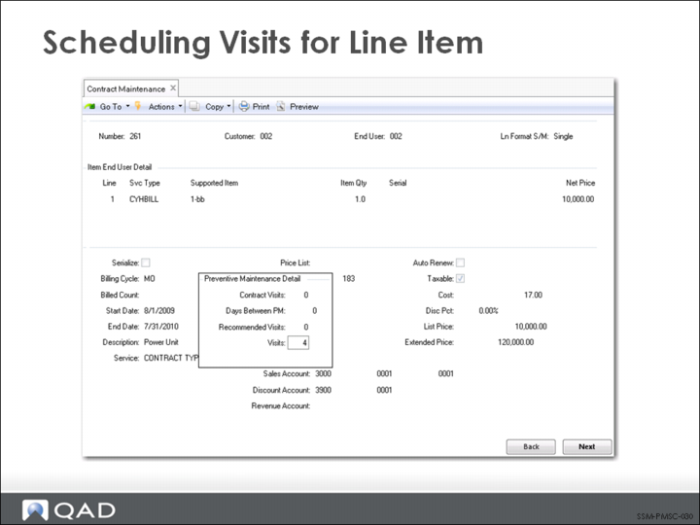
Scheduling Visits for Line Item
To create a preventive maintenance schedule that applies to each end user:
1 Make sure Item End Users field is No.
2 Make sure the PM Item field is Yes in End User Item Detail.
3 Enter the number of visits in the Preventive Maintenance Detail pop up window.
4 After you complete the line-item entry, an End User PM Schedule window displays proposed dates for the PM visits. These can be modified, if needed.
Repeat steps 1-3 for additional items.
To create PM schedules for items:
1 Make sure Item End Users field is No.
2 Make sure the PM Item field is Yes in Item End User Detail.
3 Enter the number of visits in the Preventive Maintenance Detail pop up window.
4 After you complete the line-item entry, a Line PM Schedule window displays proposed dates for the PM visits. These can be modified, if needed.