Line - Contract PM Schedules
To create a preventive maintenance schedule that applies to the contract as a whole, you must do two things:
1 Specify a number of visits in the contract header Visits fields. This indicates the number of times during the service contract’s duration that PM visits will be made to the end user site.
2 Set the PM Item field to Yes for the items on the contract requiring visits. This field defaults to Yes if Days between PM is set to any nonzero value for the item in the Service Item Maintenance (11.3.7). All of the items with PM Item set to Yes will be included on the call created for the PM schedule, unless they have individual schedules already.
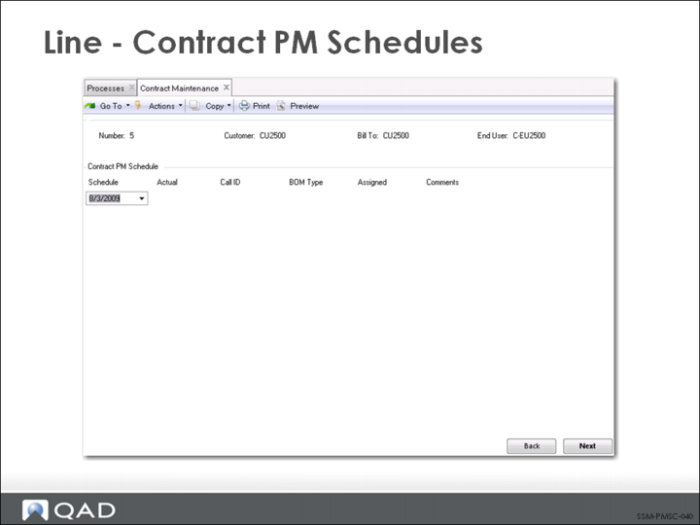
After you complete the line-item entry, a Contract PM Schedule window displays proposed dates for the PM visits; these can be modified.