Service Site Management
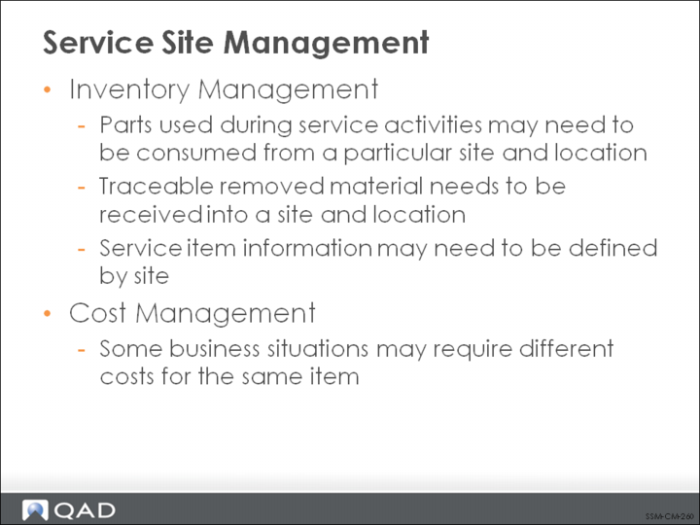
Sites play an important role in Call Management activities, for many of the same reasons they are important in a standard manufacturing environment: managing inventory and costs.
Tracking service inventory can pose special problems that differ from standard manufacturing inventory needs. This is because of the many different kinds of inventory used in a service environment ranging from tool kits to replacement parts to consumable items such as inks, fillers, reactants, and lubricants. Further complexity is added by many different kinds of locations that can be used for storing service inventory. These range from mobile field units like trucks and repair vans, repair centers, service supply depots, and work shops for refurbishing items.
In addition, the return of items must be managed carefully, ensuring that they are returned to the appropriate site and location for inspection or repair.
Service procedures and available parts may vary by site, as well as costs.
Service Item by Site Maintenance enables you to set up default BOMs and routings for an item that are used only when that item is serviced at the associated site. This feature enables you to accommodate the special procedures and item substitutions that may occur when service activities take place at multiple sites. The system suggests the appropriate BOM and routing based on the site in Call Maintenance and Call Activity Recording, Call Parts Recording, and Call Labor Recording.
When a BOM and routing are associated with an item, the parts on the BOM and the operations on the routing can be loaded directly into the item and labor/expense detail records for the item in CAR, CPR, and CLR. This greatly streamlines data entry for repetitive repair sequences.
An additional layer of service inventory management is provided by Parts List Maintenance and Material Orders (MOs). The Parts List allows the engine to identify all of the repair inventory needed and then automatically creates a material order for those items that are not currently on hand. The MO is similar to a sales order and enables engineers to order inventory required to service a particular call, to replenish their service supply, or as expensed stock.
Determining a Site/Location: First Test
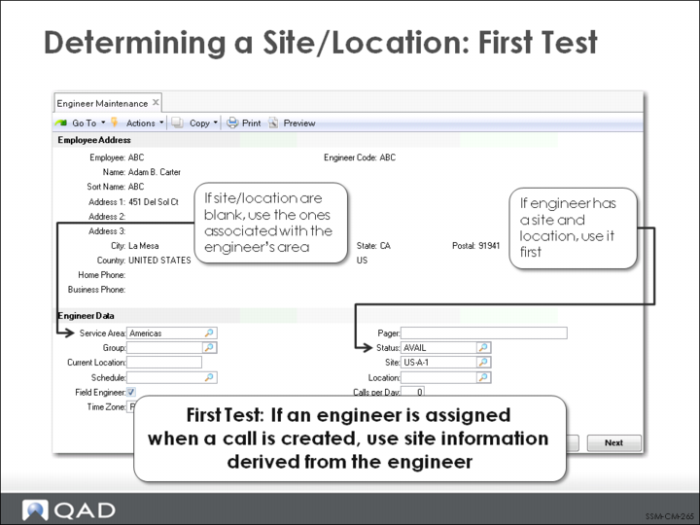
Most of the attributes of an engineer are used in the engineer scheduling function. However, the engineer’s site, location, and area play an important role in ordering items with Material Orders (MOs) and item consumption in Call Activity Recording and Call Parts Recording.
When a call is initially created in Call Maintenance, the system searches for a site to associate with the item specified on the call. This site is used to determine the appropriate BOM and routing to suggest.
The system always uses the site associated with an engineer first. If the engineer does not have a site, the site associated with the engineer’s area is used.
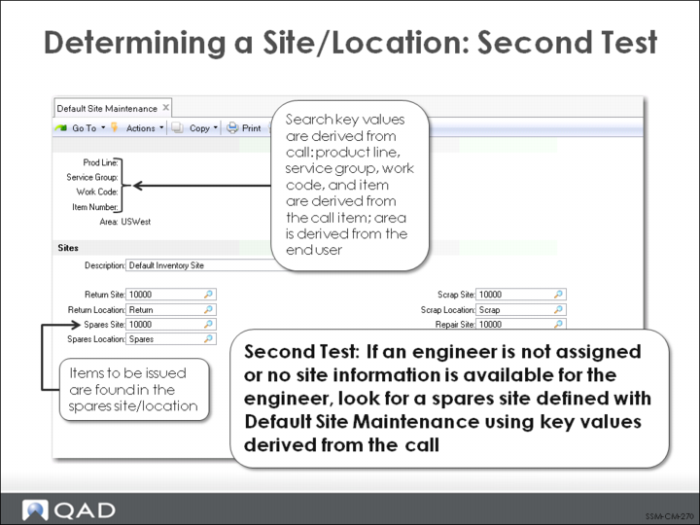
If an engineer has not been assigned to the call, or the assigned engineer does not have a site or area with a site, the system looks for a default spares site set up with Default Site Maintenance. This function supports service inventory management.
Sites may be set up based on the key values in the first frame of this function: product line, service group, work code, item, and area. (Note: Not all combinations of these fields are valid.)
How you set up default sites has a lot to do with your own business practices and which service attributes are most important to inventory management. For example, if you separate inventory used for PM from inventory used in repairs, you can set up default sites based on work code. If the spare parts for a particular item or product line are all found in one site/location, you can use these values as part of the key.
When the system looks for a default spares site in Call Maintenance, it uses the call area (derived from the end user); the work code specified on the call or line item; and the product line, service group, and item number of the item on the call.
When looking for a spares site, the system uses whatever values are available to it in Call
Maintenance. If the end user does not have a defined area, this value will be blank. It is also possible that the item does not belong to a service group. Product line may also be blank if the item being serviced is a non-inventory item. Item number is usually specified, although it could be blank. Work code always has a value.
To ensure that a default spares site is found, you can set up sites with an all blank key. There are a number of different valid combinations that enable you to set up default sites suitable for many different business practices.
Determining A Site/Location: Second Test
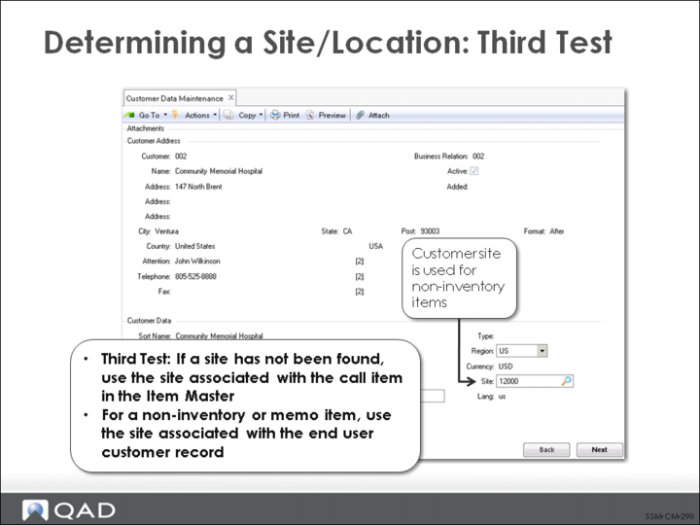
If an appropriate spares site is not found, the system looks in two other places for a default site. For items set up in the item master, the site associated in Item Master Maintenance is used. For other items, the site associated with the customer of the end user on the call is used. This site is defined in Customer Maintenance.
Determining a Site/Location: Third Test
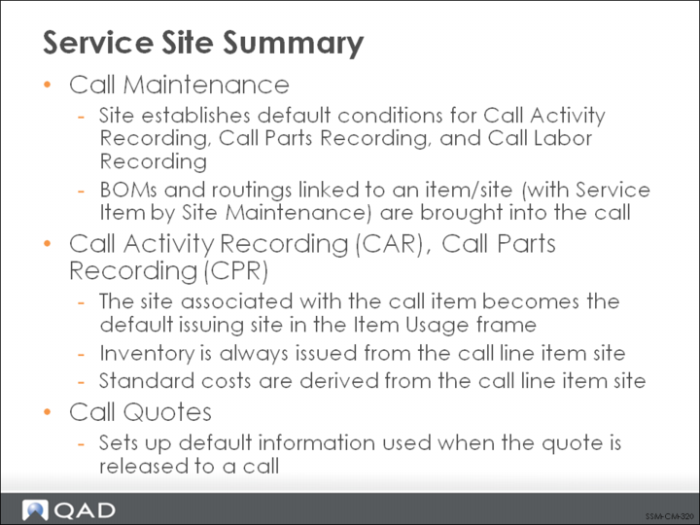
Service Site Summary
The site found by the system in Call Maintenance and Call Quote Maintenance sets up the defaults for actually recording service detail in Call Activity Recording, Call Parts Recording, and Call Labor Recording.