Editing Calls
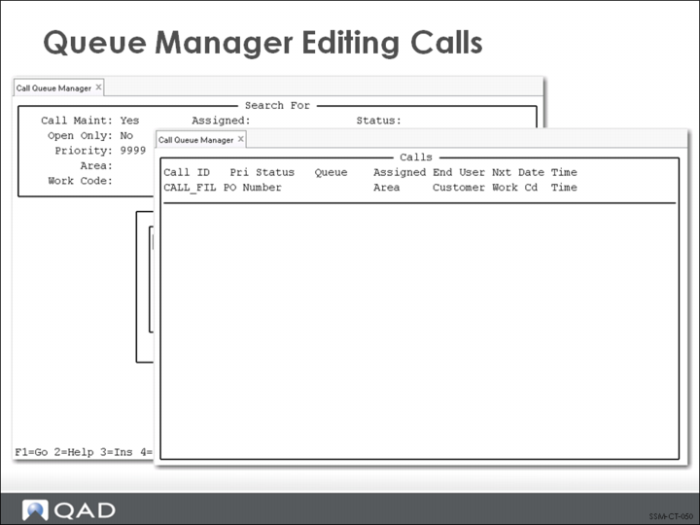
Call records can be edited directly from the call queue manager in two ways, depending on the setting of the Call Maint field. When Call Maint is set to No as in this example, you can scroll through the list of calls displayed on the window. If you press Enter while your cursor is positioned on a call, a call detail line displays.
From this frame, you can change the call priority, status, queue, assigned engineer, problem code, and next date and time. This is useful to a call dispatcher (someone in charge of monitoring the calls), enabling them to redirect the calls and assign them to appropriate engineers.
When Call Maint is Yes, pressing Enter on a call in the list takes you directly to Call Maintenance, providing full call editing functionality. This setting is best suited to service engineers who must perform detailed editing of their calls.