Escalation Monitor
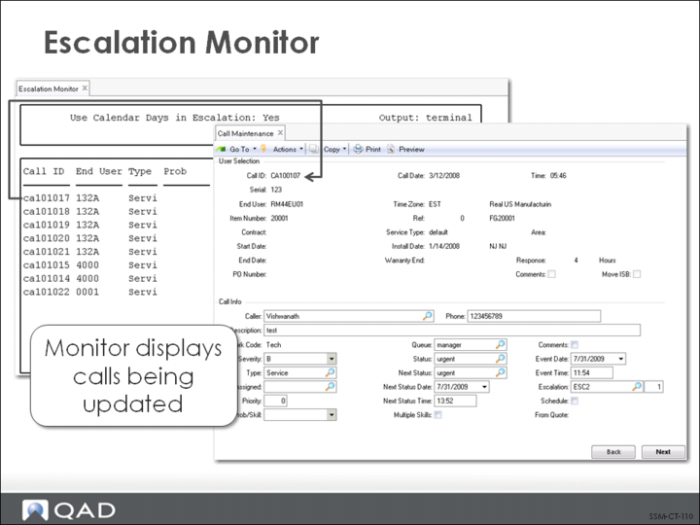
For escalation steps to have any effect, the Escalation Monitor (11.1.13.13) must be executing. The monitor can be run as a full-time process. Normally, it is run on a dedicated terminal or in a window on an X Windows terminal. For correct escalation results, the monitor must run consistently.
When the Escalation Monitor runs, it examines each call’s next event date and time. If these are earlier than or equal to the current date and time, it applies the changes as defined in the current escalation step by updating the call’s priority, status, or queue. Then it changes the Next Status Date and Time to reflect the days and time allowed in the current escalation step. Only calls that are changed or updated are shown in the Escalation Monitor output. How frequently the Escalation Monitor cycles through calls looking for calls to escalate depends on the Escalation Manager Pause interval specified in Escalation Control (11.1.13.24).