MO Shipments
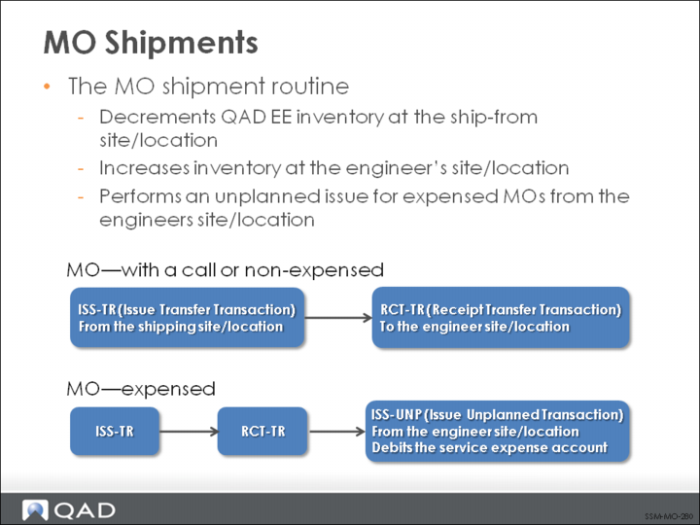
The MO shipment function enables you to enter the selection data for shipping MOs. Unlike shipment for standard sales orders, MO Shipment executes an inventory transfer and receipt, and an additional unplanned issue, depending on the kind of MO:
• MO with a Call. Transfers items from their current location to the place where they will be consumed on a call.
• MO without a Call. Transfers items from their current location to replenish engineer stock.
• Expensed MO. Transfers the items and then issues them as service expense.
A transfer reduces inventory quantity for an item at the from site and location, and increases it at the to site and location. MO Shipments combines both picking and shipment in one function. Delivery documents are printed when the function completes.
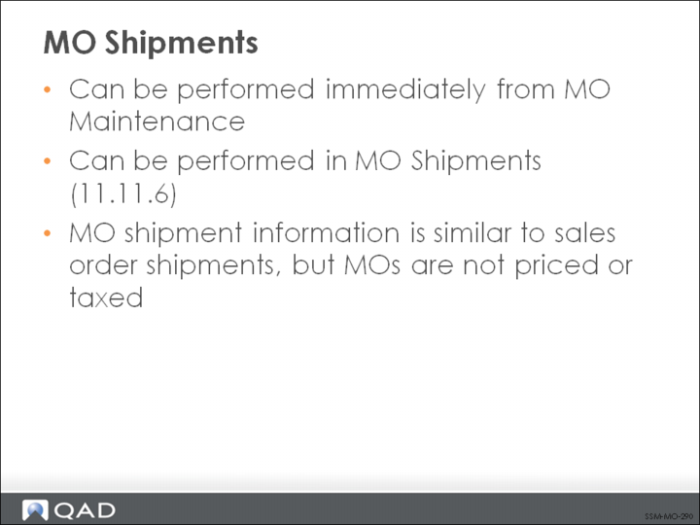
MO shipments can execute as a separate function or be automatically initiated as part of the MO Maintenance function if orders are entered confirmed. Initiating shipment directly from maintenance is determined by the value of the Ship Immed field.
During the MO shipment process, the following steps occur:
• Enter shipment data
• Pick available items
• Confirm shipments
• Enter trailer data
• Print Engineer Delivery Note and Back Order Advice