RMA Work Flow
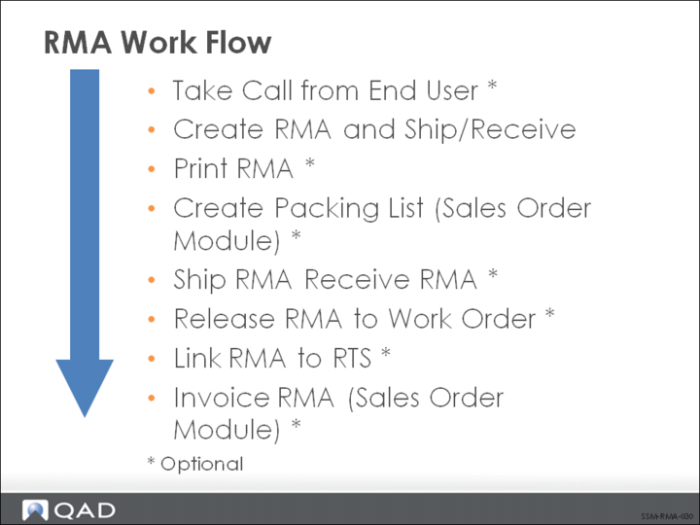
RMAs are created with RMA Maintenance (11.7.1.1). Shipments and receipts can take place directly when the RMA is created or later in separate RMA Shipments and RMA Receipts functions. The RMA can be printed (RMA Print) and a packing list for an RMA can be created in the Sales Order module (Sales Order Packing List).
If the item received on an RMA is going to be refurbished, it can be released to a work order using RMA Release to Work Order. If an item returned from an end user needs to be sent to a supplier for repair, an RMA can also be associated with an RTS in RTS Maintenance.
RMA billing takes place in the Sales Order module using the standard invoice post and print functions. Just as with a sales order, you must use Pending Invoice Maintenance (7.13.1) to change prices. Pending Invoice Maintenance can also be used to change tax status and salesperson commission. Credit issues are also managed in the Sales Order module. If an RMA is on hold because of a credit problem, it can be cleared using Sales Order Auto Credit Approval.