RMA Implementation
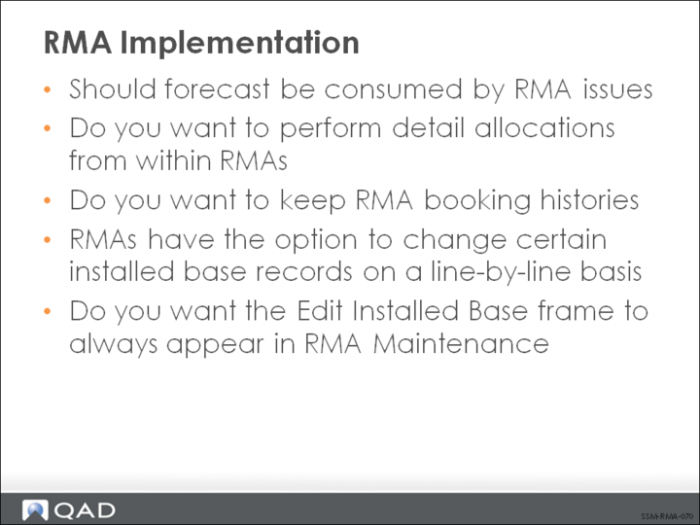
As shown in the figure, there are several other implementation issues that determine how you set remaining parameters in RMA/RTS Control.
• If you are forecasting your replacement parts, set Consume Forecast to Yes. Forecast is then consumed when items are issued on an RMA.
• If you are going to perform detailed inventory allocations from within RMA Maintenance, set Detail Allocations to Yes so that you always get an inventory allocation pop-up window.
• If you want to keep a transaction history beginning from when an RMA line is first entered, set Keep Booking History to Yes.
• If you want to be able to modify installed base information within an RMA, set Edit Installed Base to Yes in the control.
Note: Since an RMA is similar to a sales order, some settings in the Sales Order Control are considered by RMAs as well as sales orders (Shipping Lead Time, Line Format, Price Table Required, Vary Pricing Date by SO Line, Minimum Ship Amount, Consume forecast forward or backward, FOB Point).