Scheduled Order
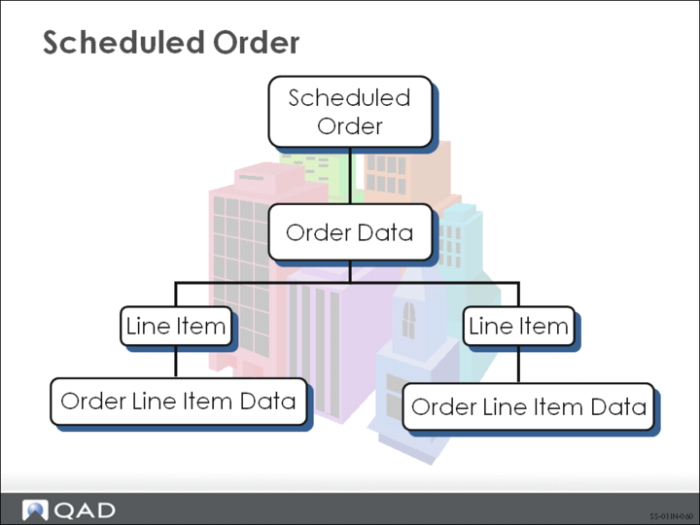
When a scheduled order is created, several parameters are defined that the system uses to calculate receipt, planning, and shipping schedules for the items to be purchased. these items are entered on separate order lines. A scheduled order combines fields found on a purchase order header with order trailer fields and specific line item information. This information forms the structural base against which item quantities and dates are scheduled.
Order Data
The order data applies to the entire order. There are two sections. The first section identifies the purchase order and supplier. The purchase order number can be system or user-assigned. The second section is the Order Data frame. This frame contains the shipping and credit information, and how to transmit the order to the supplier (fax, EDI). You can also enter comments for the entire order.
Order Line Item Data
After completing the order data, enter the specific order line item data, using the Order Line Item data frames. You can also enter comments. For each line item enter information such as:
• Item number for the item being purchased
• Site receiving the purchased item
• Line item details
• Schedule details