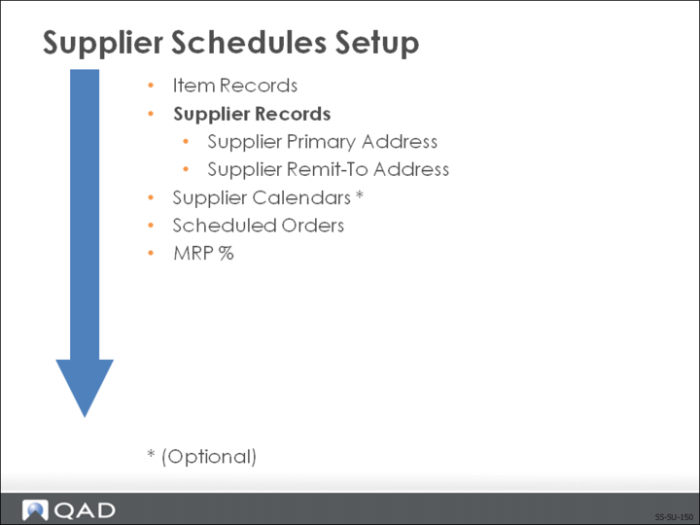
Supplier Records
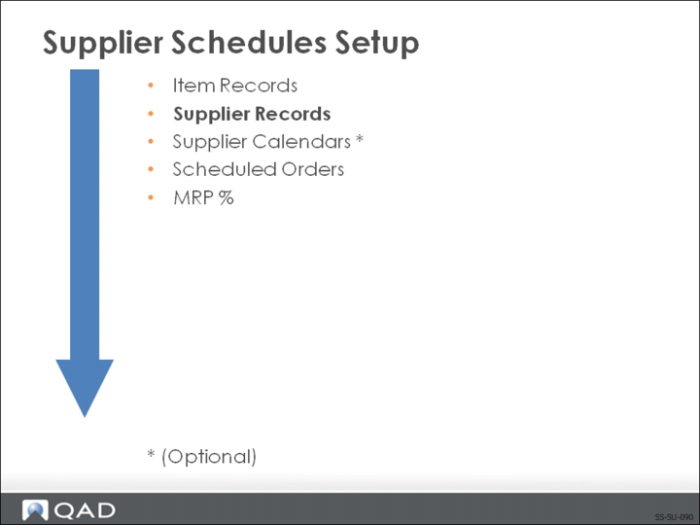
Before a supplier schedule can be created, you must have a supplier record for each of your suppliers. This record contains supplier information used by the system.
This information is used in:
• Purchase Orders
• Accounts Payable
Supplier records contain static and control information.
• Static information such as address is used for reporting purposes
• Control information determines how supplier orders and accounts are processed. In Enterprise Edition, much of this information is specified during the Financials setup in Supplier Create.
• Accounts payable
• Currency
Supplier Address and Data Frames
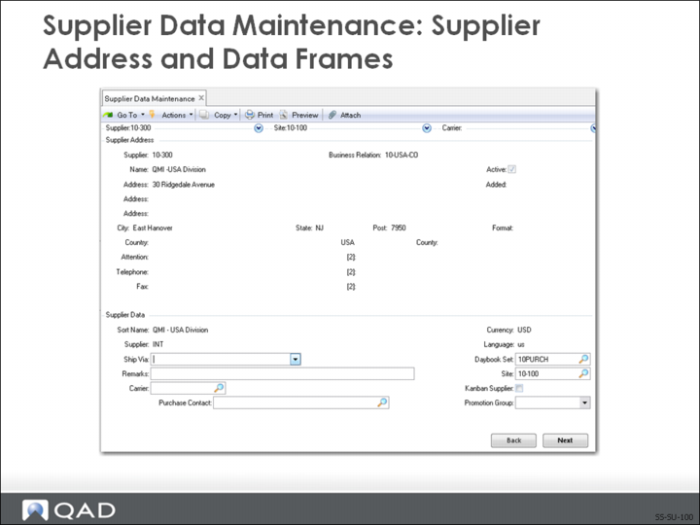
Suppliers are initially defined in Supplier Create (28.20.1.1.) and associated with the headoffice address of a business relation.
After the supplier is created, you specify additional purchasing-related information in Supplier Data Maintenance (2.3.1). The address frame displays the supplier’s address and contact information, from the Business Relation defined for the supplier in the Enterprise Financials setup.
In the Supplier Data frame, you enter shipping and other data.
Supplier Pricing Data
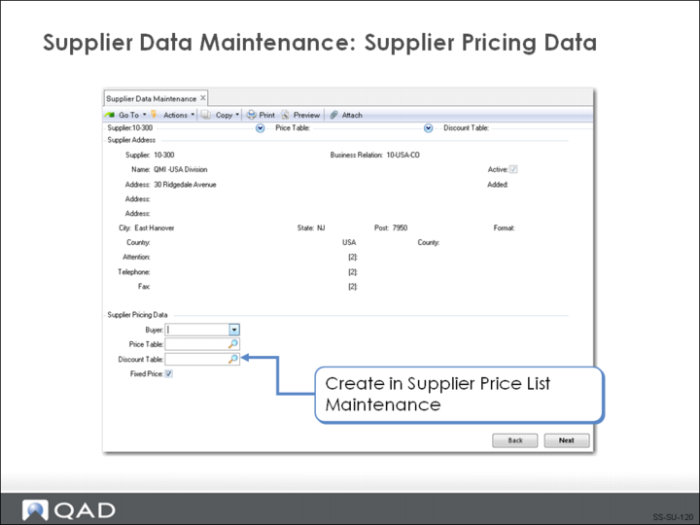
Enter the pricing information for this supplier. The price list entered here becomes the default for the supplier on the scheduled order.
Note: Scheduled orders can use only a type P (Price) price list.
Supplier Terms Data
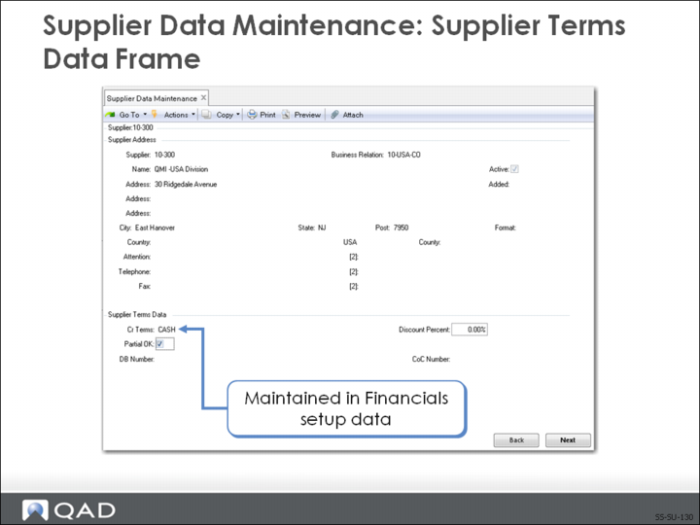
This frame displays the type of credit this supplier has with your company, as defined in Financials setup data.
Supplier Primary and Remit-To Addresses
Create a supplier remit-to address if the supplier wants to receive payments at an address different from the primary supplier address (defined for the Business Relation during Financials setup activities).
Note: There can be only one remit-to address per supplier.