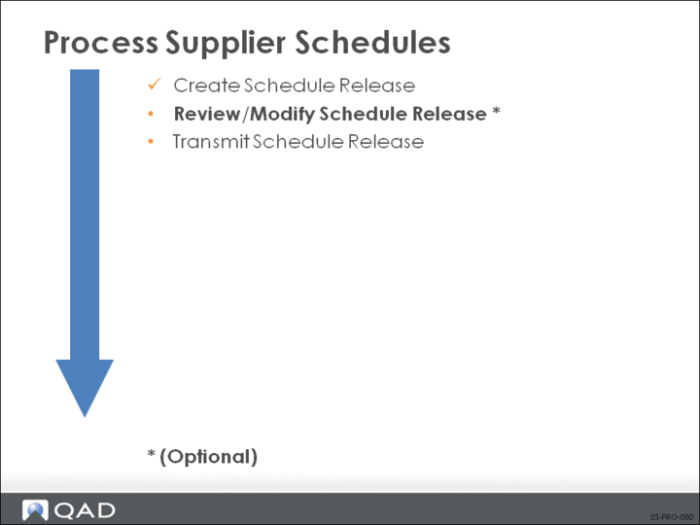
Review/Modify Schedule Release
There may be times when you need to modify a scheduled order release or simply want to review the release data. For example, if the requirements change in a release, you will need to manually adjust the firm quantities. You can change release data such as:
• Requirement dates
• Quantities
• Firmed or planned status
• Fab and raw authorization quantities and dates
Schedule Maintenance
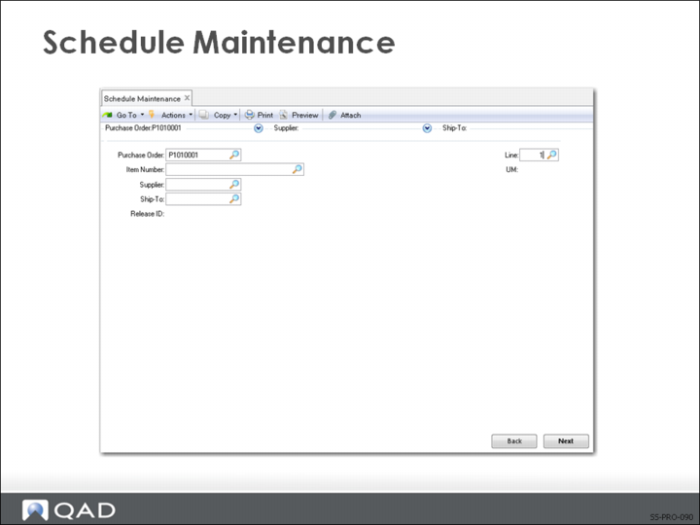
Use Schedule Maintenance (5.5.3.3) to modify or review a scheduled order release. You can also use Schedule Maintenance to reactivate a schedule release or to create schedule releases manually.
There are four frames of data.
Header Frames
There are two header frames. The first header frame identifies the scheduled order release you want to see. To select the most current release, press Enter on the Release ID field.
In the second header frame you specify the prior cumulative date and the active start date.
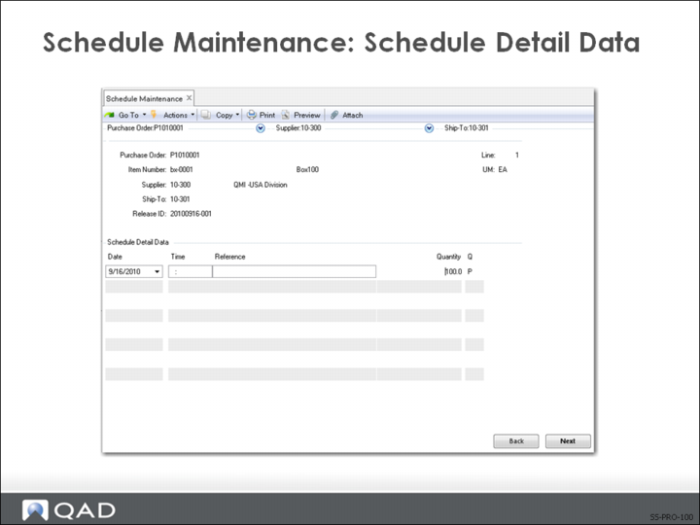
Schedule Detail Data Frame
The third frame displays the dates, quantities, and status of individual lines in the release. If you need to alter this information, you do so in this frame.
If you needed to create a manual schedule release, you would enter the information here. For example, if you are just starting a product up and the planning parameters are not yet set, but the item has a significant lead time.
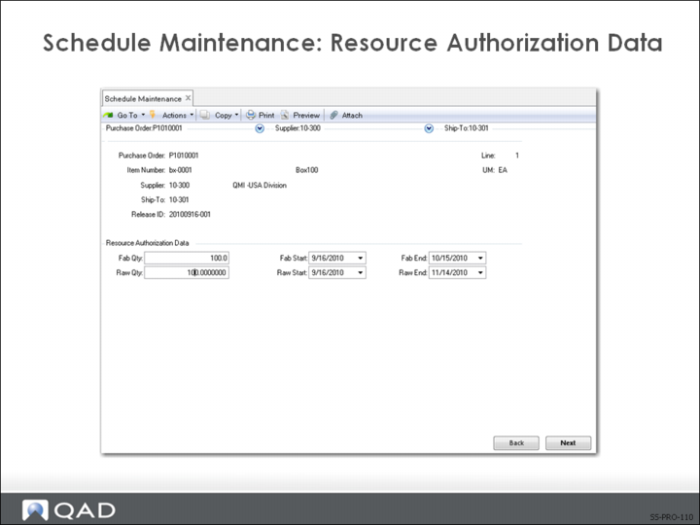
Resource Authorization Data Frame
This frame shows the fabrication and raw materials amounts and dates.
• Defaults from the scheduled order created in Supplier Scheduled Order Maintenance (5.5.1.13)
• Changes made to this information affect this release only
Note: If you are manually creating a release, after this frame you are prompted to make this release active.