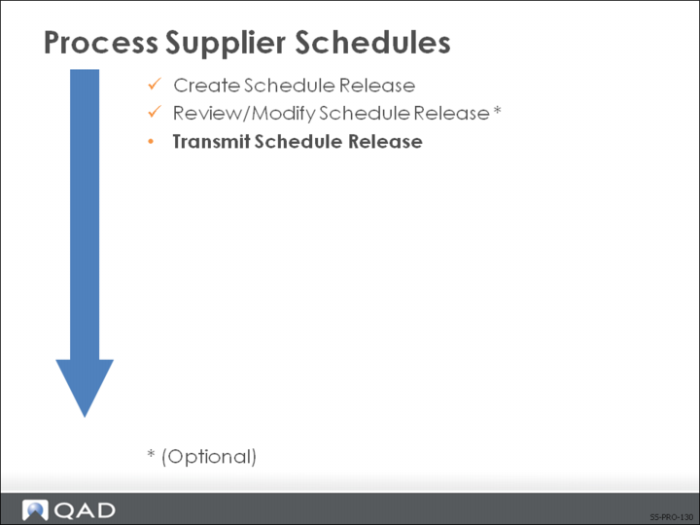
Transmit Schedule Release
Scheduled releases can be transmitted in a variety of ways. The appropriate defaults in Trading Partner Parameters Maintenance (35.13.10) must be set up. The value you set up there defaults to the scheduled order—Supplier Scheduled Order Maintenance (5.5.1.13), where you can accept the default or override it.
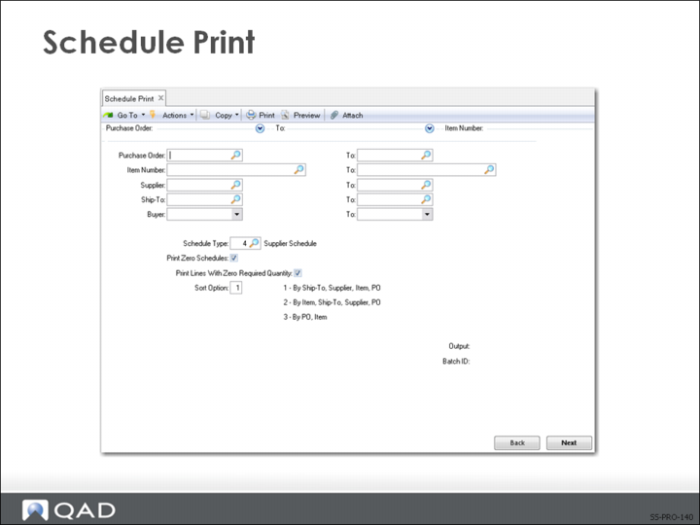
Schedule Print
Use Schedule Print (5.5.3.8) to print the schedule release. Schedule releases can be printed individually or in batch mode. You have the option of printing schedule releases having zero (no) requirements. The printed schedule release shows the order’s long-range requirements, detailed by dates and quantities. It has two sections:
• Header section
• Line item section
The header section identifies the release ID, contains supplier and ship-to information, and general information about the release. It also shows:
• Release date
• In transit quantity
• Receipt date and receipt quantity
• Cumulative received quantity
• Shipper ID
• Ship/delivery pattern
The line item section shows the order detail information for each scheduled requirement. Information such as:
• Ship or delivery interval
• Ship or delivery date
• Ship or delivery time
• Required quantity: The discrete or bucketed quantity for the scheduled line
• Cumulative required quantity: Total cumulative requirement including the line quantity, for the entire life of the order
• Net required quantity: Total open quantity including the line quantity
Exercise: Print Schedule Release
View your schedule release. Review the information. Use Schedule Print (5.5.3.8); set the output to Page.
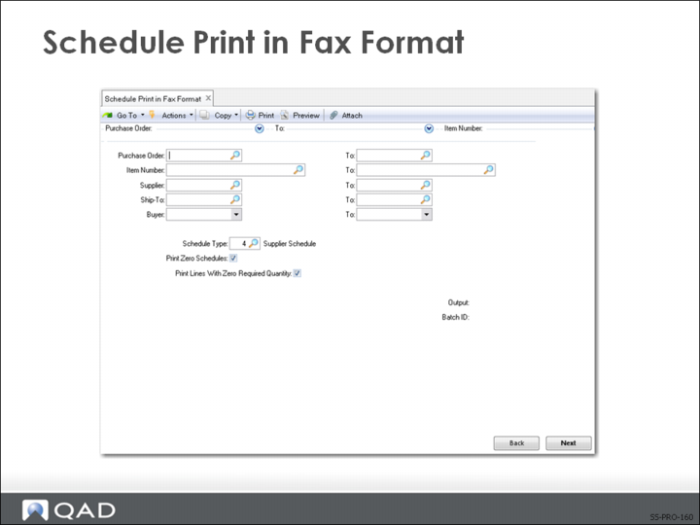
Schedule Print in Fax Format
Use Schedule Print in Fax Format (5.5.3.9) to select orders you are faxing to your supplier. Schedule releases can be faxed individually or in batch mode. You have the option of including schedule releases having zero requirements.
Note: The actual faxing is done by an external fax transmitting system.
The system sorts the orders by supplier. At the top of the first schedule for each supplier, a pound sign (#) prints, followed by the supplier’s fax number.
The scheduled order release being faxed shows the long-range requirements, detailed by dates times, and quantities.
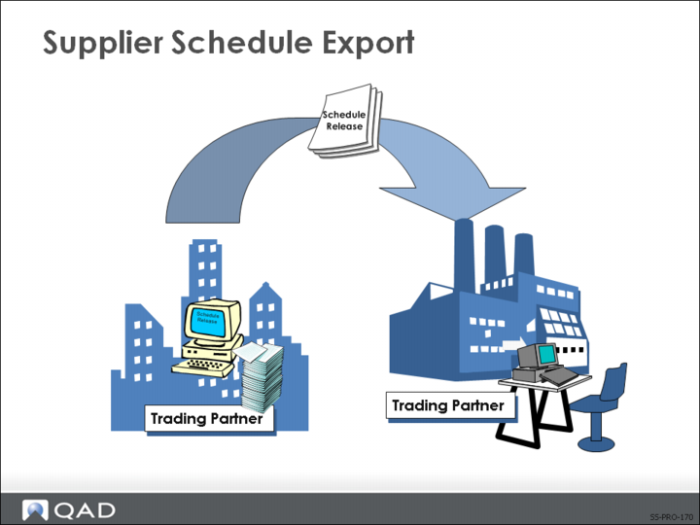
Supplier Schedule Export
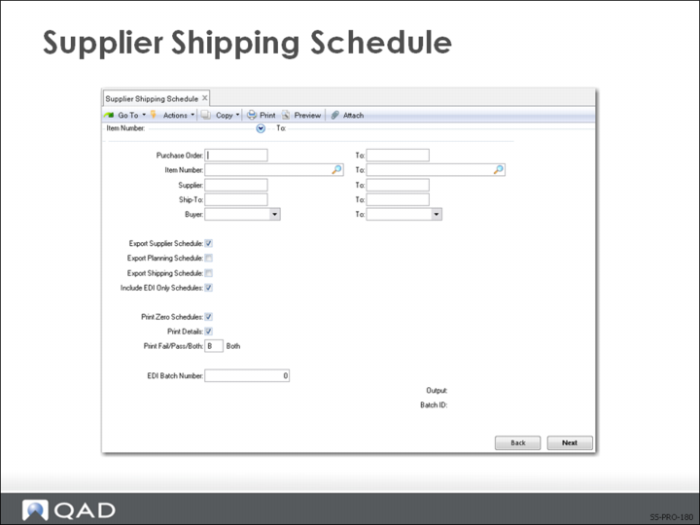
Export supplier schedules using the Supplier Shipping Schedule export program (35.4.8) in EDI eCommerce.
Note: Before you can export the release to a supplier, you need to set up the supplier in Trading Partner Parameters Maintenance (35.13.10).
After exporting the supplier schedule, you can run Schedule Export Audit Report (35.4.6.4) to check for error messages and verify if the export process was successful.
Supplier Shipping Schedule
Use Supplier Shipping Schedule (35.4.8) to export scheduled order releases to your supplier.
• Schedule releases can be exported individually or in batch mode
• You have the option of including schedule releases having zero requirements