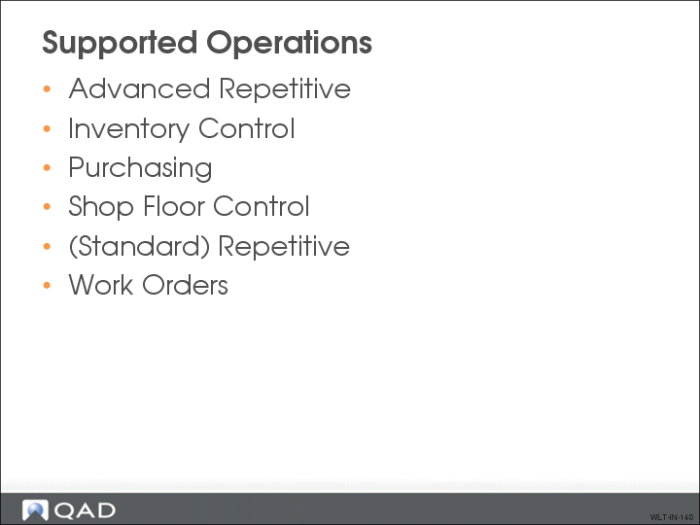
Supported Operations
Several modules have been modified to use the WLT functionality.
Advanced Repetitive
• Operation Transaction Detail Inquiry (18.22.4.2)
• WIP Status Report (18.22.4.11)
• Sub Container Maintenance (18.22.5.4)
• Sub Shipper Maintenance (18.22.5.5)
• Sub Shipper Print (18.22.5.9)
• Sub Shipper Issue (18.22.5.11)
• Cumulative Order Close (18.22.10)
• WIP Status Inquiry (18.22.12)
• Backflush Transaction (18.22.13)
• Run Labor Transaction (18.22.14)
• Setup Labor Transaction (18.22.15)
• Reject Transaction (18.22.16)
• Rework Transaction (18.22.17)
• Scrap Transaction (18.22.18)
• Move Transaction (18.22.19)
• WIP Adjust Transaction (18.22.21)
Inventory Control
• Transfer with Lot/Serial Change (3.4.3)
• Batchload Transfer with Lot/Serial Change (3.4.4)
• Transaction Detail Inquiry (3.21.1)
Purchasing
• Purchase Order Maintenance (5.7)
• Purchase Order Print (5.10)
• Purchase Order Receipts (5.13.1)
• Purchase Order Returns (5.13.7)
• PO Container Maintenance (5.13.13)
• PO Shipper Maintenance (5.13.14)
• PO Shipper Receipt (5.13.20)
Shop Floor Control
• Labor Feedback By Work Order (17.1)
• Labor Feedback By Employee (17.2)
• Labor Feedback By Work Center (17.3)
• Operation Move Transaction (17.6)
• Operation Scrap Transaction (17.7)
• Operation Transaction Browse (17.8)
• Operation Transaction Detail Inquiry (17.9)
• Operation by Work Center Report (17.13)
• Operation by Work Order Report (17.14)
• Operation by Employee Report (17.15)
(Standard) Repetitive
• Repetitive Transaction Detail Inquiry (18.4.2)
• Repetitive Setup Transaction (18.13)
• Repetitive Labor Transaction (18.14)
• Repetitive Rework Transaction (18.16)
• Repetitive Reject Transaction (18.17)
• Repetitive Scrap Transaction (18.18)
Work Orders
• Work Order Split (16.9)
• Work Order Component Issue (16.10)
• Work Order Receipt (16.11)
• Work Order Receipt Backflush (16.12)
• Work Order Operation Backflush (16.19)
When using WLT in a work order manufacturing environment, be aware of the following:
• Work Order Receipt Backflush (16.12) is disabled because it does not let you report production on an operation per operation basis
• Specifying an operation is required when processing a receipt, issue, or labor transaction for a WLT controlled work order
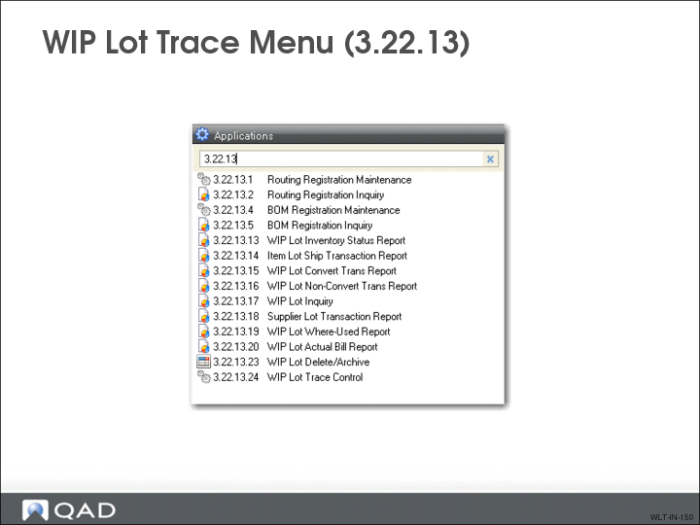
WIP Lot Trace Menu
Use the WIP Lot Trace Menu to access specific WLT functions. Turn on WLT by setting the Enable WIP Lot Trace field to Yes in WIP Lot Trace Control (3.22.13.24).
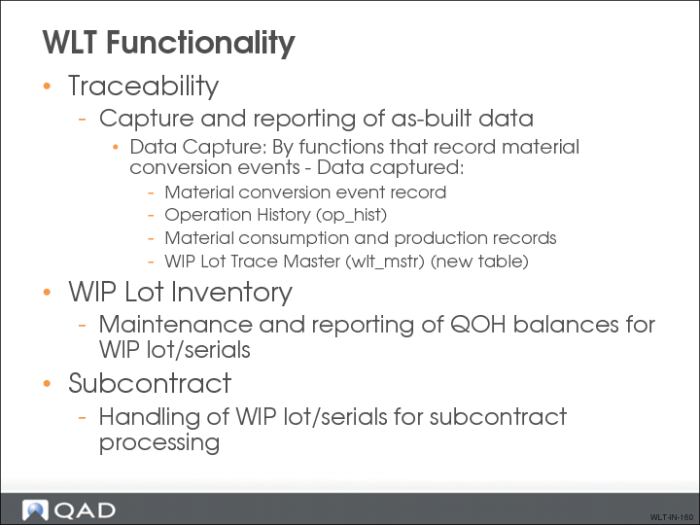
WLT Functionality
Traceability
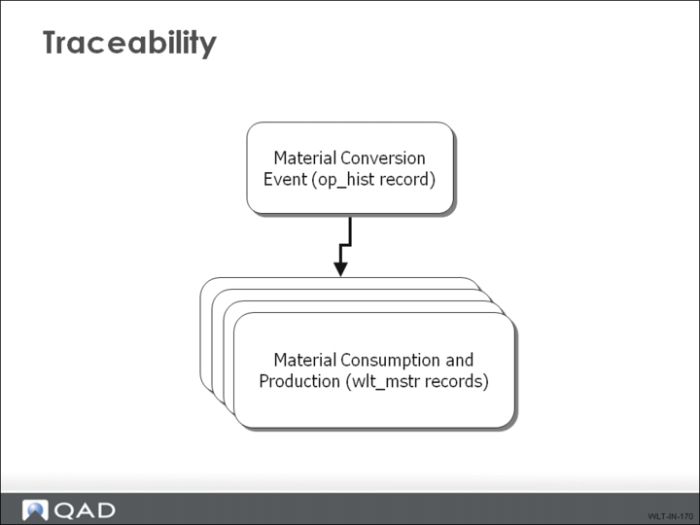
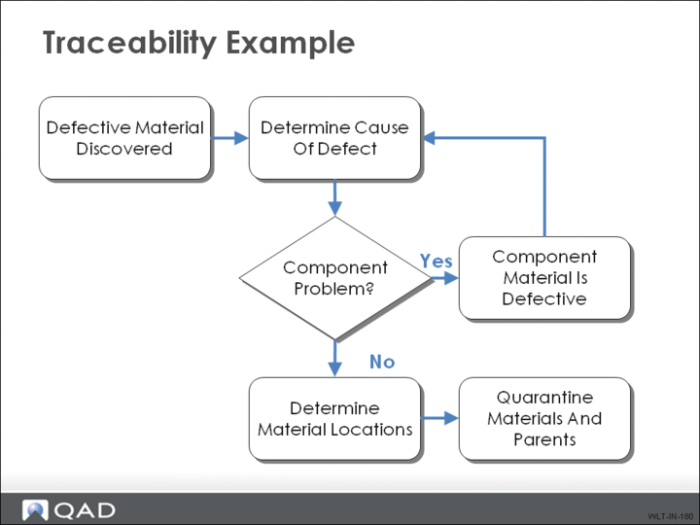
This graphic shows an example of captured data.
Traceability Example
Traceability - Data Reporting
• WIP Lot Where-Used Report (3.22.13.19)
• Lot Actual Bill Report (3.22.13.20)
• Transaction detail reports
• Transaction detail inquiries
WIP Lot Inventory
Data Maintenance
• Quantity on Hand (QOH) balances are maintained by:
• WIP lot/serial
• Operation
• Queue
• Work center
• Machine
• Similar to inventory QOH balances
• Updated by material conversion functions (such as Backflush) and other functions (such as Scrap, Reject, Rework, Adjust)
Data Reporting
• WIP Lot Inventory Status Report (3.22.13.13)
• Advanced Repetitive WIP Status Inquiry/Report
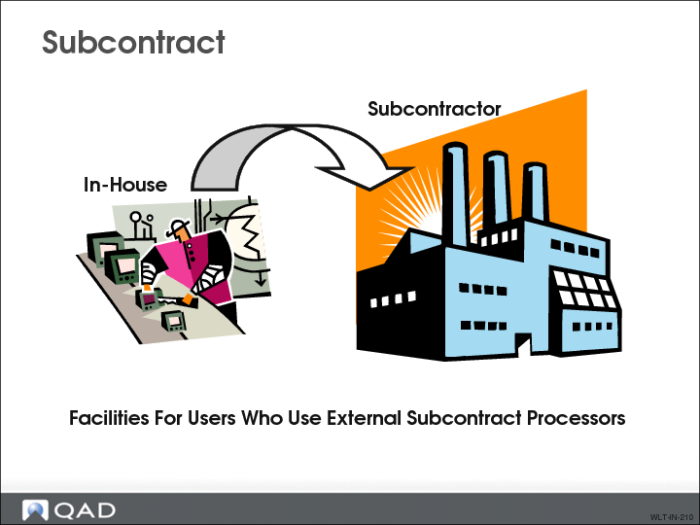
Subcontract
Traceability data captured/WIP lot QOHs maintained.
• Purchase Order Maintenance (5.7)
• Entry of a WIP lot/serial on each subcontract-type line
• Purchase Order Print (5.10)
• Print entered WIP lot/serial
• Sub Container Maintenance (18.22.5.4) and Sub Shipper Maintenance (18.22.5.5)
• Entry of a list of WIP lot/serials to ship
• Sub Shipper Print (18.22.5.9)
• Print WIP lot/serials entered
• Advanced Repetitive Sub Shipper Confirm
• Moves WIP lot/serials to next operation
• Purchase Order Receipts (5.13.1)
• Backflushes the referenced operation
• Entry of WIP lot/serials consumed and produced