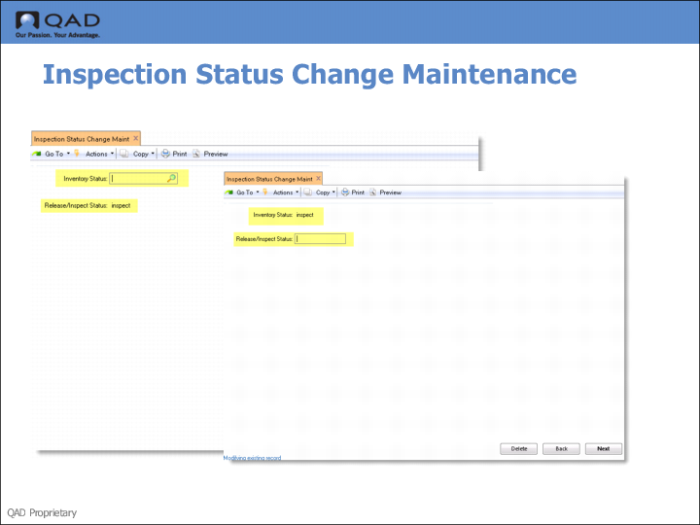
Inspection Status Change Maintenance
Use Inspection Status Change Maintenance (4.19.13 if using Warehousing and 80.22.13 if using AIM) to modify the status associated with inventory being inspected, based on its original status. You can use this in two situations.
• While a sample is in the inspection area waiting inspection results, you can prevent any transactions with the inventory the inventory by changing its status. Change Inspection Status Maintenance lets you define the new status of this inventory, based on its original status.
• Similarly, after a successful inspection is performed, you can release the inventory by changing its status again.
Fields
Inventory Status
Inventory status codes identify the status of inventory at a specific site and location with a specific lot/serial number and lot reference.
Inventory status codes determine whether specific inventory balances on hand are available for allocation to sales orders or work orders, are considered available by MRP, and are allowed to go negative.
Inventory status codes also restrict particular transactions at specific locations -- you can restrict issues from an inspection location.
Release/Inspect Status
Enter a valid inventory status code defined in Inventory Status Code Maint. The system changes the sample ID to the status code you specify when the sample is moved to the inspection area. Release/Inspect Status needs to be a valid status code defined in