Step 8: Transfer Stock to Inspection Location
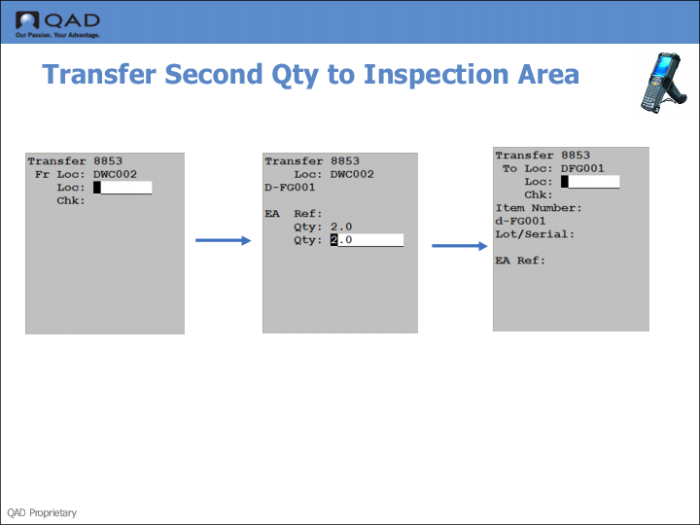
1 Use the RF Next Task function to transfer stock to the inspection area.
2 The system defaults a quantity; accept or change the default, then press Go.
3 Enter the inspection location; then press Go.
4 Use Inventory Detail Inquiry to verify that stock was moved to the inspection area.