Warehouse Location Maintenance
Use Warehouse Location Maintenance (4.3.13.1) to set up all locations within a warehouse.
Field Definitions
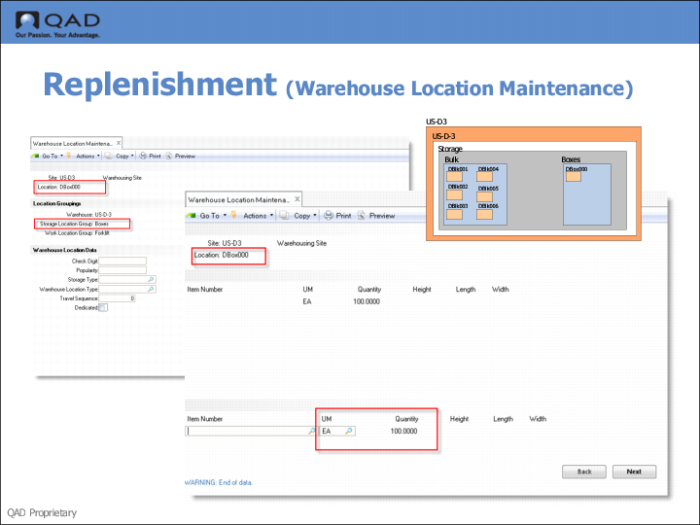
Location
Enter the name of the warehouse location you are creating.
Storage Location Group
Enter the SLG to which this location belongs.
Item Number
The fields on the third Warehouse Location Maintenance screen are used to specify the quantities of a particular unit of measure that will fit in the location. You can enter multiple lines for different items and different units of measure.
Enter the item number for the inventory item to which this quantity definition relates.
If you entered Yes in the Dedicated field on the previous screen, you must also specify the item to which this location is dedicated.
UM
The fields on the third Warehouse Location Maintenance screen are used to specify the quantities of a particular unit of measure that will fit in the location. You can enter multiple lines for different items and different units of measure.
Enter the unit of measure in which this quantity definition is specified.
Quantity
Enter the quantity of the selected UM that will fit in this location. You can enter multiple lines for different items and different units of measure.