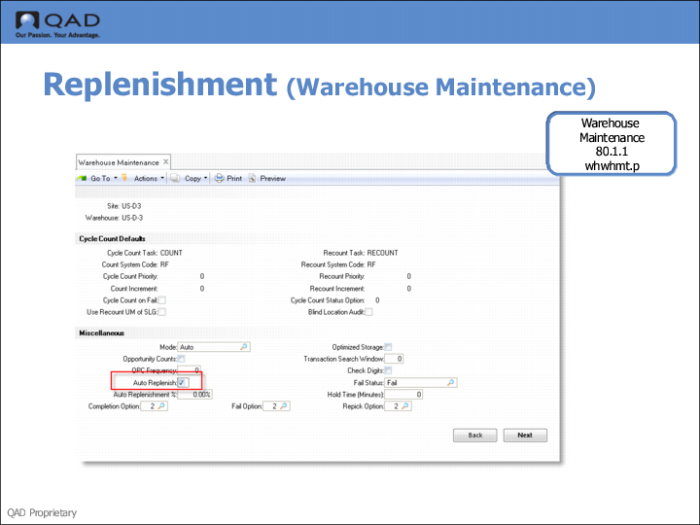
Step 1: Enable Auto Replenish
Use Warehouse Location Maintenance (4.1.1) to enable an automatic replenishment. Check Auto Replenish the field in the Miscellaneous frame.
Fields
Auto Replenish
Enter Yes to enable auto replenishment. If an existing replenishment definition for a location/item or an SLG/item is present when the inventory level falls below the replenishment point, the system automatically starts a replenishment process. This process picks the missing items and transfers them to the location/SLG to be replenished. With auto replenishment, you do not need to start a manual replenishment since the process is triggered automatically.
Note: You can specify a the tolerance percentage for the replenishment point by entering a value in Auto Replenishment%. which is the quantity of stock below which an automatic replenishment is triggered. A value of 0% has the same effect as a value of 100%.