Setting Up Internal Routing
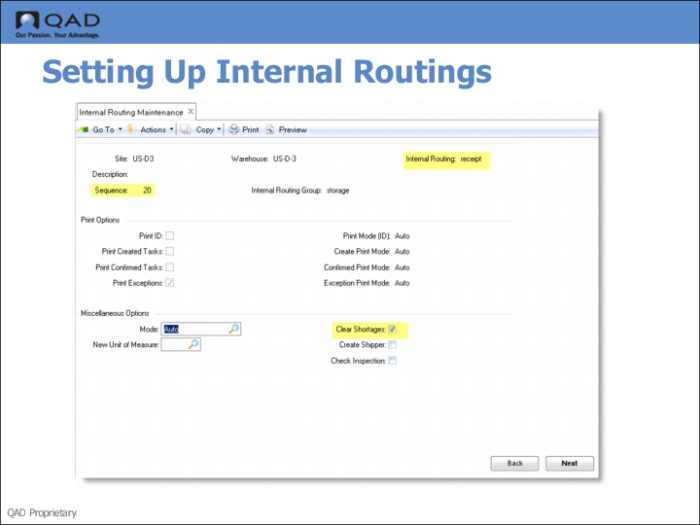
Use Internal Routing Maintenance to set up IRs for three different internal routing groups:
Internal Routing Field | Internal Routing Group Field | Additional Fields to Set |
Receipt | Storage | Sequence=20
Clear Shortages=Yes |
Shortpk | Receive | Sequence=10 Task=Transfer |
Shortpk | Dispatch | Sequence=20 |
Fields
Internal Routing
To modify the fields for an existing internal routing, enter its name. To create a new internal routing, enter a new name for the routing.
Sequence
Each internal routing consists of a number of steps, identified by a sequence number. The process of setting up an internal routing consists of entering a sequence number in the Sequence field, entering the relevant internal routing group in the next field, and then specifying the processing required for this sequence step.
Internal Routing Group
Enter the name of an existing IRG.
Clear Shortages
Enter Yes to cause the shortage clearance algorithms to be run before a location is identified to receive the inventory. These algorithms look for orders that were not fully satisfied in the original picking because of insufficient inventory levels.