Exercise 1: Receive Inventory and Move
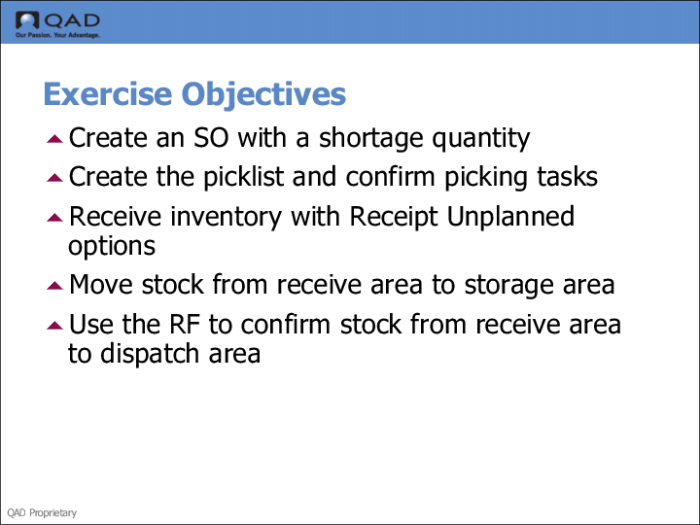
For this exercise, you:
• Create an SO for a quantity of 50 items.
• Pick the items through creation of a picklist in Picklist/Pre-Shipper-Automatic (7.9.1), but only pick a quantity of 35 because there are not enough available.
Note: The picking step is not included in this exercise.
• Use the QAD EE Receipts-Unplanned (3.9) to receive more quantities of the same item.
If cross-docking is set up correctly, when you receive, the system creates a new task of 15 EA from receiving area to the shipping area. The system adds the 15 EA to the 35 EA already picked.
• Use the RF device to transfer the received items from the receiving dock to the shipping dock.