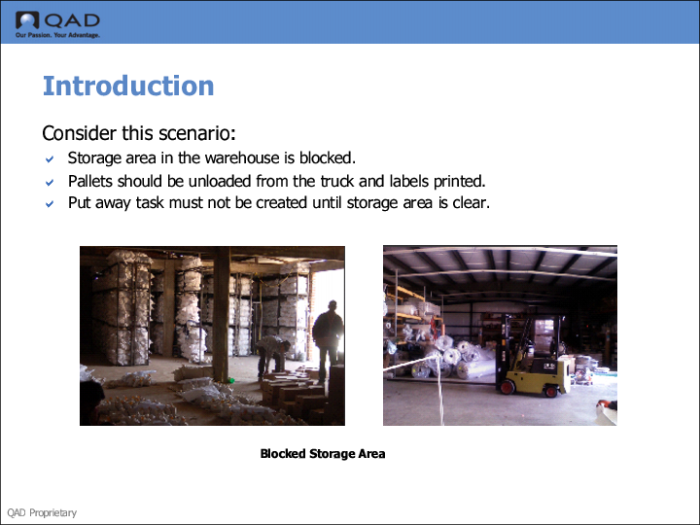
Introduction
QAD Warehousing lets you use software routines, or engines, to process transactions within a warehouse. The system creates engine workfiles—requests for a transaction—when processing warehouse tasks, such as picking and put-away. You can use the engines to process engine workfiles in the Engine menu (4.7). The engine workfiles are always in use, though, in QAD Warehousing, whether you choose not to process them with the engines.
Programs in the Engine menu let you process different time-consuming functions and decrease user waiting by running the processes in the background. You can use the programs to delay the creation of warehouse transactions, select and modify engine workfiles, and process engine workfiles singularly or in batch mode.
Use engines to create automatically warehouse tasks or delay the creation of tasks.
• AUTO mode: system processes engine workfiles automatically without user intervention. This is the most common use.
• MANUAL mode: system processes engine workfiles as you need them processed. This is useful when you need to delay processing of a warehouse task.
When in MANUAL mode, you must start one of the engine processor programs in the Engine menu to process an engine workfile request. Engine workfiles can be any of the following requests:
• Create a task, including the put-away logic when applicable.
• Start the picking logic and create a picking task.
• Confirm a task.
• Print a tag.
Note: Warehouse staff typically print tags during task creation, confirmation, exception processing, or when they need an ID tag.