Step 4: Set Up Engine Processor
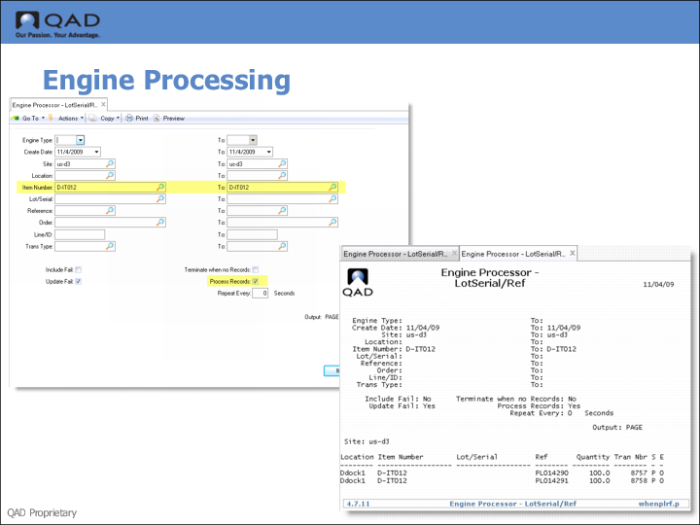
Use Engine Processor-Lot/Serial/Ref (4.7.11) to process MANUAL engine workfiles. You can run the engine processors to process engine workfiles singularly or in batch mode. You can process engine workfiles by engine type, site, date, order, item, transaction number, and so on, and process at a later time.
You can run the processor programs in simulation mode first to view transaction processing by setting Process Records to No. The system displays the engine workfiles to process that meet your selection criteria. Optionally, specify the time in seconds at which you want to repeat engine processing.
After you specify engine workfiles for processing, the system locks the engine workfiles to prevent further processing by other engines. If an engine workfile is already locked and you specified a range, the system skips that engine workfile and continues with the next engine workfile in the range. Once the engine completes processing, it deletes the engine workfiles if you set control options to delete the files.
Specify the item number you received.