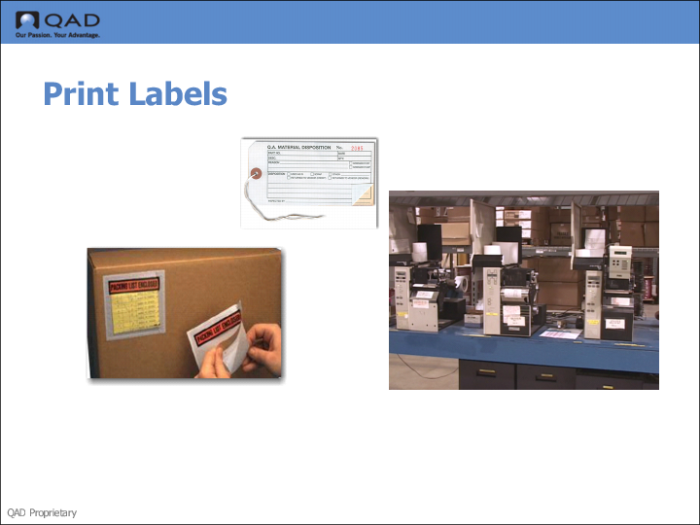
Step 6: Print Labels
Print the labels. Ensure that you have a printer specifications set up for the WLG in Work Location Group Maintenance (4.3.9).
Study Questions
1 What is an engine workfile?
2 True or False. Engine workfiles are not in use until you choose to process them with the engines.
3 True or False. Programs in the Engine menu are set to run manually by you, so they always run as foreground programs.
4 Name three things that you can using the programs in the Engine menu.
5 Which of the following is NOT an engine workfile requests:
• Create a task.
• Create a picking task.
• Confirm a task.
• Create a wave.
• Print a tag.
6 Describe a typical scenario in which warehouse staff need to process a workfile manually.
7 True or False. When in MANUAL mode, once you create the workfile request, the system reads and initiates the request.
8 Name at least three ways to process engine workfiles.
9 True or False. You can process engine workfiles in batch mode, but to avoid other real-time warehousing processing, you must run the engine processes once the workfiles are created.
10 True or False. Once the engine completes processing, the system creates engine history files so that you run engine reports.