Introduction
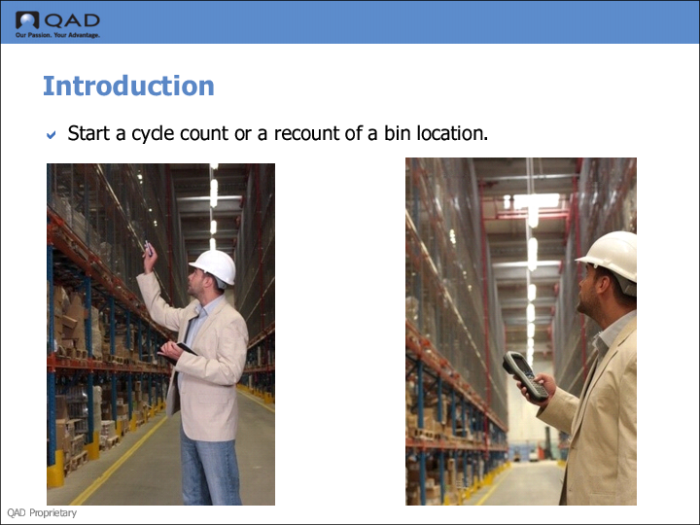
From the RF, you can start a cycle count or a recount of a bin location. You can use functions in the RF Location Audit option to:
• Count the contents of a bin or pallet.
• View the stock you want to recount.
• Recount items that are not in the system yet.
After you select the Location Audit function, scan the location. The RF displays all pallets in the location. Select the pallet you want to audit. The RF displays item numbers and current quantities. Select the item you want recounted. If there are no pallets, the RF skips pallets and displays the items only. Once you select the item, the system creates a cycle count or a recount task.