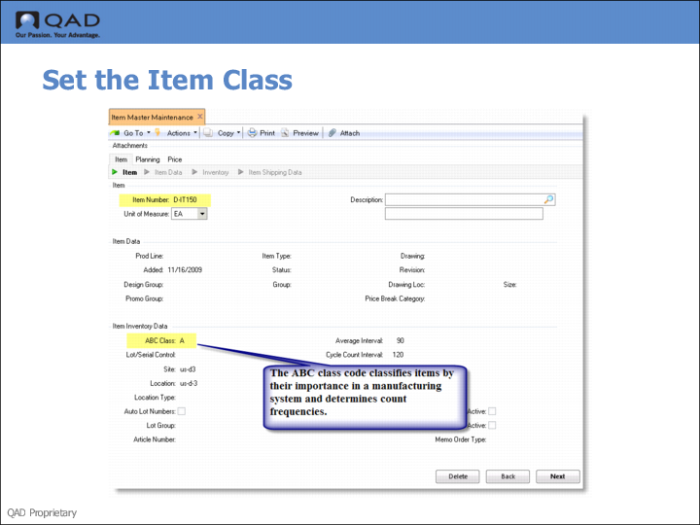
Setting the Item Class
Use Item Master Maintenance (1.4.1) to set the item class.
Fields
ABC
Enter a code classifying and ranking this item. ABC classification codes determine the count frequency and the error tolerance allowed for each item. The Cycle Count Worksheet selects items for counting based on ABC class. ABC class can also determine how an item is managed. Class A items usually require tighter physical control, such as a locked stocking area, and tighter planning parameters, as well as more frequent cycle counts.
You can generate some reports, such as the Inventory Valuation Report, for ranges of ABC classes.
You can use Item ABC Status Report/Update to calculate ABC codes automatically based on annual item usage amounts. Usually items in the top 20% are given class A, the next 30% class B, and the rest class C. However, you can adjust these percentage as needed.
Any quantity below C is assigned a blank ABC code. For example, when A is 10%, B is 20%, and C is 30%, the remaining 40% is set to blank.
You can also classify items manually. You might do this for an item that has low use but is expensive or theft-prone.