M
anage Location Capacities (Continued)
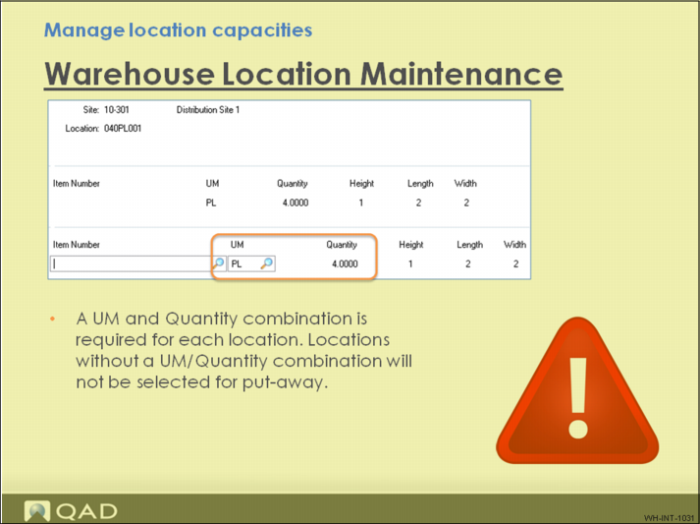
During setup, you need to define some capacity parameters for each location. When specific capacity metrics are not known, you can enter a generic number to at least have the location considered during put-away; however, when the quantity is larger than the actual capacity, the system repeatedly directs the item to a full location. Alternatively, when the quantity is less than the actual capacity, the location remains under utilized.
You can also use this field strategically; for example, when you do want to put the location on hold, delete the UM/Quantity combination even when inventory is in the location.
Also note that the system still considers locations with existing inventory but no UM/Quantity capacity for pick and replenishment inventory movements.
Hold Maintenance should also restrict inventory movements to or from a location but currently, Hold Maintenance on a location only restricts inventory from being picked not from being put-away.