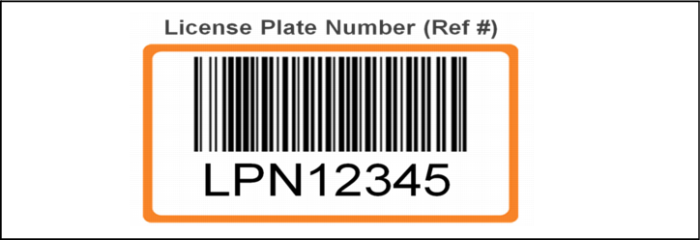
Exercise - Set Up a License Plate Number
Because all loads are tracked using a License Plate Number (LPN), you must set up the license plate number within QAD Warehousing.
Note: Within QAD Warehousing, license plate numbers are called references.
Use the following information to help you setup a license plate number.
1 Setup/modify the LPN using Sequence Definition Maintenance.
Note: You can reuse the existing sequence definitions.
2 Change the prefix to LPN.
Note: The current LPN sequence definition has the prefix PL.
3 Set up or change the following in Sequence Definition Maintenance:
Field | Data to Enter |
Sequence Definition | 00000001 |
Sequence | 1 |
Type | F |
Format | LPN (or make your own) |
Description (optional) | LPN prefix for loads |