Receiving
>
Exercise - Set up an Internal Routing
Exercise - Set up an Internal Routing
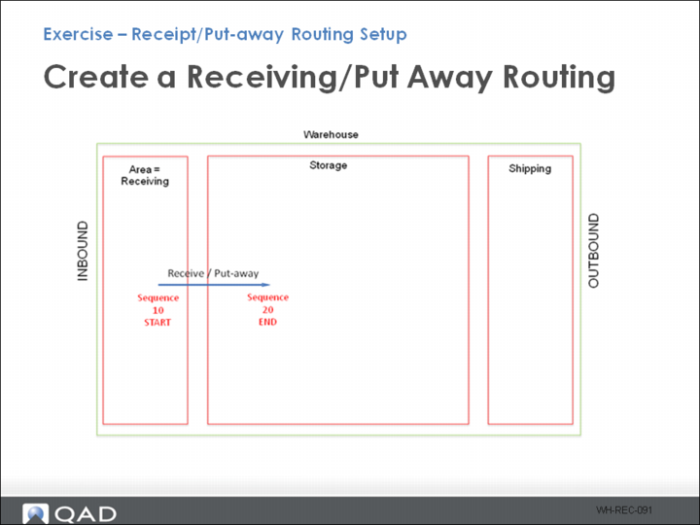
All product is received and moved direct to storage.
Use Internal Routing Maintenance to create a receiving/put-away routing using the following table to enter data for fields.
.
Field | | |
Site | 10-301 Put-away |
Warehouse |
Internal Routing |
Description |
Sequence | Start =10 | End =20 |
IRG | | |
Note: The default engine processing is set to Auto in the Internal Routing Maintenance Miscellaneous Options frame. Auto engine processing enables a real-time automated warehouse by automatically generating work tasks when triggers occur. When set to Auto, the system automatically creates put-away tasks and releases them when an item is received. When set to Manual, put-away tasks require manual intervention to be released.