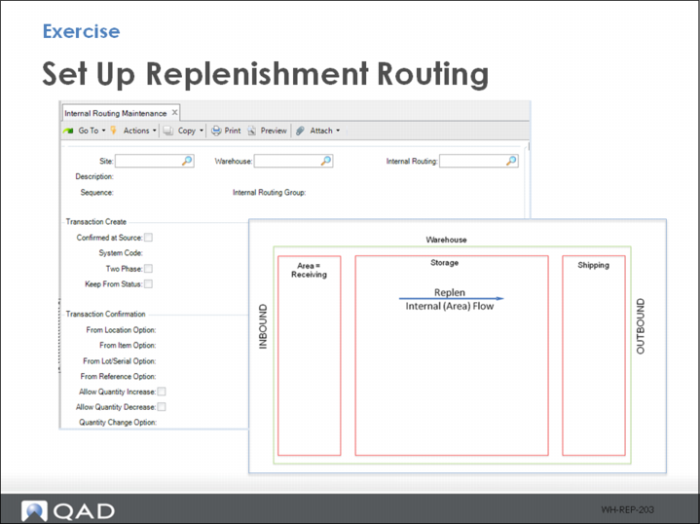
Exercise - Set Up Replenishment Routing
The system replenishes from pallet storage zone (reserve) locations to each storage zone (forward pick) locations. This is an internal (area) flow and requires only one sequence. Create a replenishment routing using the following:
1 Use Internal Routing Maintenance to create the replenishment routing. Specify data for the fields as presented in the table; otherwise, enter your own data and jot down your entered data here.
Field | Data Entered |
Site | 10-301 |
Warehouse | |
Internal Routing | |
Description | Replenishment |
Sequence | 10 |
IRG | |
To Reference Option | 1 |
Alternate UM Option | 13 |
Notes
• Setting the To Reference Option to 1 removes the LPN reference from the load. If forward pick locations, the location address is the identifier. Setting Alternative UM Option to 13 reports the item measurement in the zone unit of measure, in this case, EA.