Discrete Picking - One Order at a Time
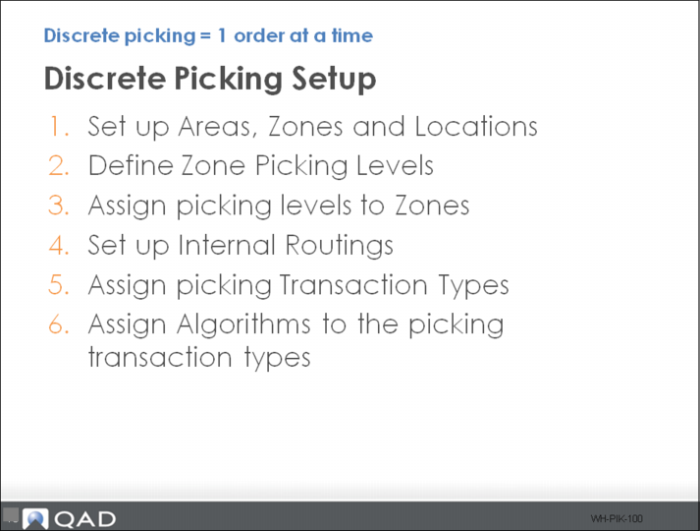
Follow these steps to enable discrete picking:
1 Use Work Location Group Maintenance to set up WLGs or zones and use Warehouse Location Maintenance to set up locations.
2 Use Warehouse Maintenance to set up picking levels.
3 Use Storage Location Group Maintenance to set up picking levels for zones
4 Use Internal Routing Maintenance to set up routings for picking functions.
5 Use Internal Routing Assignment to assign picking transaction types.
6 Use Algorithm Assignment Maintenance to assign algorithms to the transaction types.