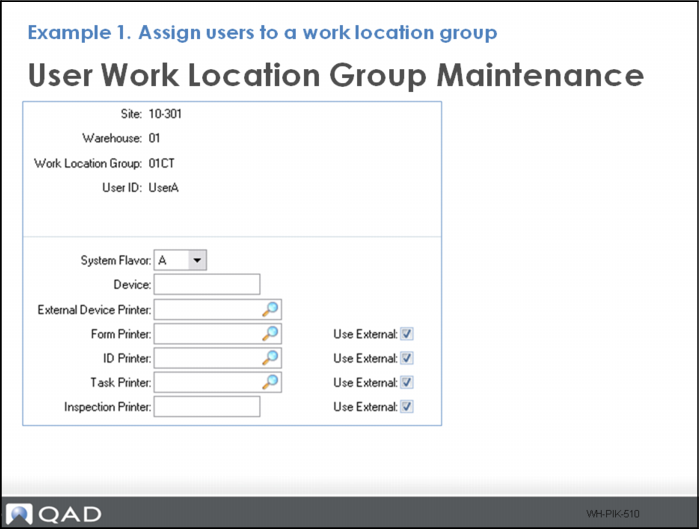
Example 1- Assign Users to a WLG
Did You Know
Use User Work Location Group Maintenance to assign users to a workgroup location and set printing options.
You must set a system flavor code for users in workgroup to specify the code to define the style and format of screens for displaying warehouse information.
A User (UserA) is assigned to the cart pick work location group 01CT. This ensures a user receives the pick task when logging into RF.