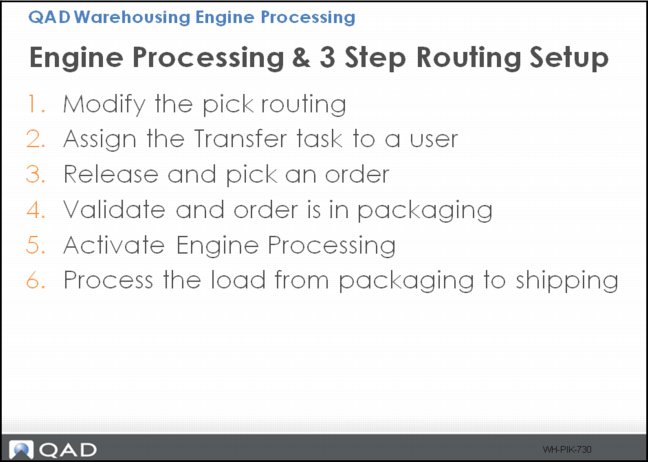
Engine Processing - Three-Step Routing Setup
Start with the QMI Warehouse, then:
1 Add Sequence 30; 070, to internal routing 01PCK using Internal Routing Maintenance, setting these fields:
f Task = TRANSFER
g Mode = Manual
2 Assign the Transfer task to UserA using Task Assignment Maintenance or change Work Location Group to 01FL for location 060PL001 using Warehouse Location Maintenance.
3 Release and pick an order.
The item is in a packaging location using Inventory Detail Inquiry.
4 Activate Engine Processing using RF 1.6:
a Select the packaging location
b Select the item LPN
5 Move the load from packaging to shipping:
a Select Next Task using RF 1.1.
b Select location.
c Select LPN.
d Confirm drop location and LPN move using Inventory Detail Inquiry.