Modify the Pick Routing
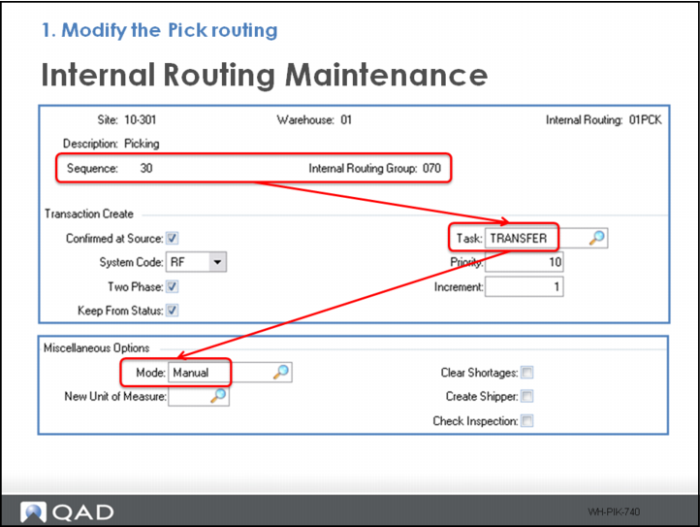
Adding another sequence to the Pick internal routing triggers a transfer task when the load is dropped at the packaging area; however, with Mode set to Manual, the trigger requires that the user manually release the task.
Start with the QMI Warehouse, then:
1 Add Sequence 30; 070, to routing 01PCK using Internal Routing Maintenance, setting:
a Task = TRANSFER
b Mode = Manual