Exercise - Move Load to an Alternate Shipping Location/Lane (cont’d)
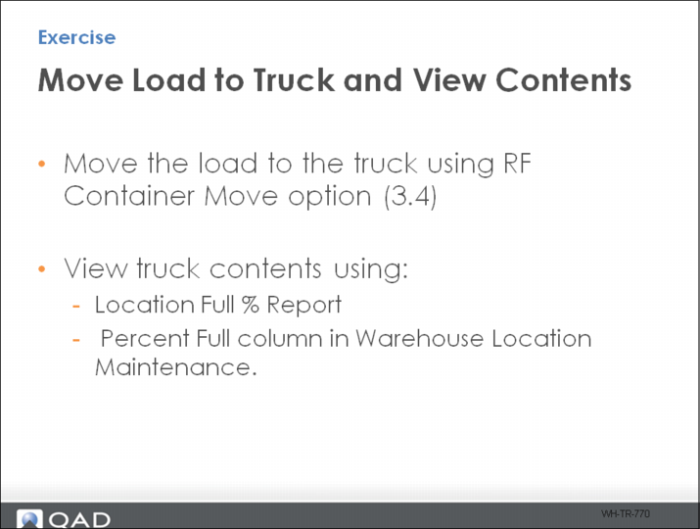
16 You are ready to move the load to a truck. To do this, use the RF Container Move option (3.4).
17 You can view truck contents using:
• Location Full% Report
• Percent Full column in Warehouse Location Maintenance.
Note: When changing the shipping area to non-functional, you are restricted in using lanes and lane assignment algorithms for wave-picking purposes. To avoid this restriction, keep the shipping area a functional area and add a new non-functional truck area.