Inspection
>
Define Item-Warehouse Level Inspection Parameters
Define Item-Warehouse Level Inspection Parameters
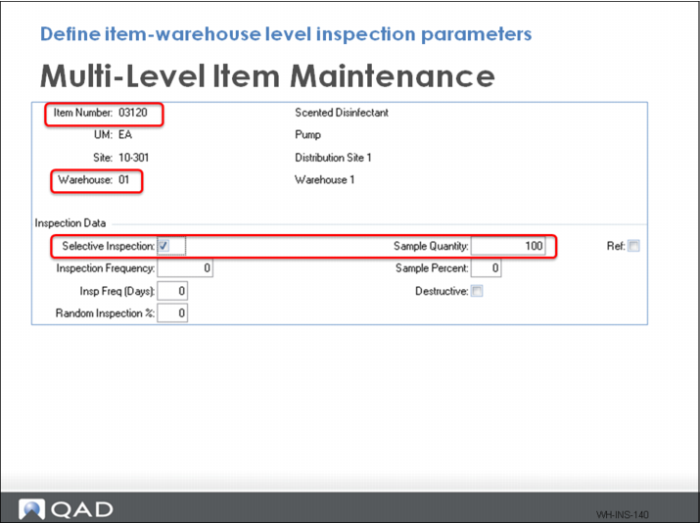
When the QA rule 8 is triggered, an inspection takes place if the item is marked for inspection in the Multi-Level Item Maintenance inspection data frame.
In the graphic above, you setup item 03120 to inspect 100 each whenever the product is received.
Did You Know
You can inspect items for inspection by quantity or percent.
Note: When using Multi-Level Item Maintenance, there are three frames where you can enter inspection data. To get the inspection triggers to work in the warehouse, use the final Inspection Data frame to enter the item inspection parameters. Alternatively, you can enter the inspection parameters using Item-Warehouse Maintenance.