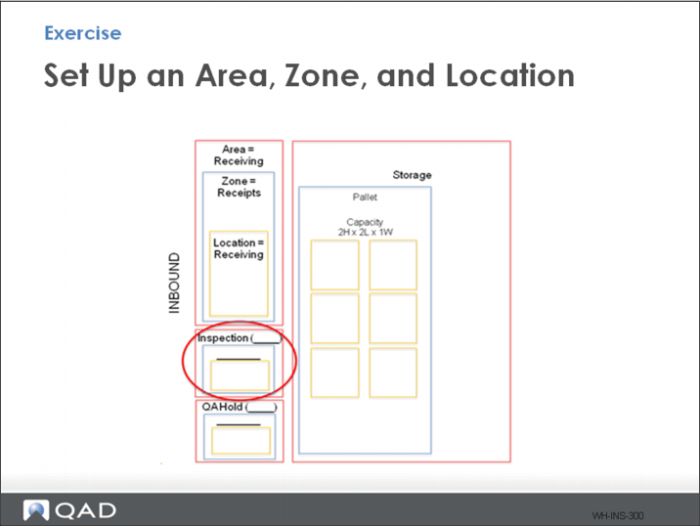
Exercise - Set up an Area, Zone, and Location
Setup an area, zone and location for inspection, as depicted in the graphic above.
You can use information in the Introduction chapter of this training guide to help you set up.
To set up an area, use Internal Routing Group Maintenance. Set the following, using parameters when dictated in the tables, and entering parameters when you define your own into the tables:
Site | Warehouse | IRG (Area) | Description
(optional) | Functional |
10-301 | | | Receiving | Y |
To set up a zone, use Storage Location Group Maintenance. Set the following, using parameters when dictated in the tables, and entering parameters when you define your own into the tables:
Site | Warehouse | SLG (Zone) | IRG | Exclude from Picking | Picking Level | Picking Multiple UM | UM | Acquisition UM |
10-301 | | | | Y | 0 | blank | blank | blank |
To set up a location, use Warehouse Location Maintenance.Set the following, using parameters when dictated in the tables, and entering parameters when you define your own into the tables:
Site | Location | Warehouse | Description
(Optional) | SLG | WLG | UM | QTY | H | L | W |
10-301 | | | Inspect | Y | 0 | blank | blank | blank | blank | blank |