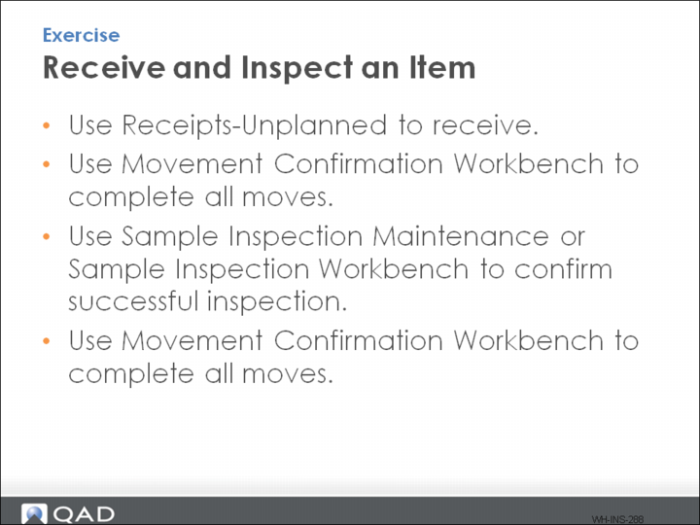
Exercise - Receive and Inspect an Item
1 Use Receipts-Unplanned to receive: 200 EA, item 03120:
• What loads are created? View Inventory Detail Inquiry to determine the LPN, item, and quantity. Note the parameters here:
• One pallet should be pending movement to inspection; the other to storage.
• Did the inventory status of both loads change to the status you defined using Inventory Status Change Maintenance?
2 Use Movement Confirmation Workbench to complete all moves.
3 Use either Sample Inspection Maintenance or Sample Inspection Workbench to confirm a successful inspection:
• The load in inspection should have a pending move back into storage.
• Did the inventory status of both loads change to the status you defined using Inventory Status Change Maintenance?
4 Use Movement Confirmation Workbench to complete all moves.